Canva automation
Automate your Canva designs with an API
Paste a Canva share link. JamFrame turns the design into a template, and its text, photos and videos into fields. Then make images, PDFs and videos from it with one API call, a Google Sheet, Zapier, Make, n8n or an AI assistant.
Free plan with 100 credits a month · no card required

-
One link, about a minute
Share your design in Canva as a view link and paste it into JamFrame. About a minute later it's a template, ready to render.
-
Fields made for you
Text, photos and videos become API fields as the design comes in. Rename them or add more in the editor.
-
No Canva app to build
No OAuth, brand templates or app review. A view link works from any Canva plan, even Free.
-
Files, not Canva designs
Each call returns a PNG, JPEG, WebP, PDF or MP4. There's no second export step.
For developers
Render your Canva design with one API call
Copy a working request from the editor, or start from these.
curl https://app.jamframe.com/api/v1/render \
  -H "Authorization: Bearer $JAMFRAME_API_KEY" \
  -H "Content-Type: application/json" \
  -d '{
    "templateId": "clx8m2k3p0001abcd1234efgh",
    "modifications": {
      "headline": "Designing for scale",
      "speaker": "Mia Chen · 10:30",
      "photo": "https://example.com/images/mia.jpg"
    },
    "response": {
      "format": "png"
    }
  }'
import { JamFrame } from "jamframe";
const client = new JamFrame(); // reads JAMFRAME_API_KEY
const { data } = await client.render({
templateId: "clx8m2k3p0001abcd1234efgh",
modifications: {
headline: "Designing for scale",
speaker: "Mia Chen · 10:30",
photo: "https://example.com/images/mia.jpg"
},
response: {
format: "png"
},
});
console.log(data.content); // the file URLfrom jamframe import Client
client = Client() # reads JAMFRAME_API_KEY
result = client.render(
"clx8m2k3p0001abcd1234efgh",
{
"headline": "Designing for scale",
"speaker": "Mia Chen · 10:30",
"photo": "https://example.com/images/mia.jpg",
},
response={"format": "png"},
)
print(result["data"]["content"]) # the file URL{
"data": {
"content": "https://…/render.png",
"type": "url",
"format": "png",
"pages": [
1
],
"credits": 1,
"renderId": "rnd_8f2c41"
}
}
Examples
One template, every version you need
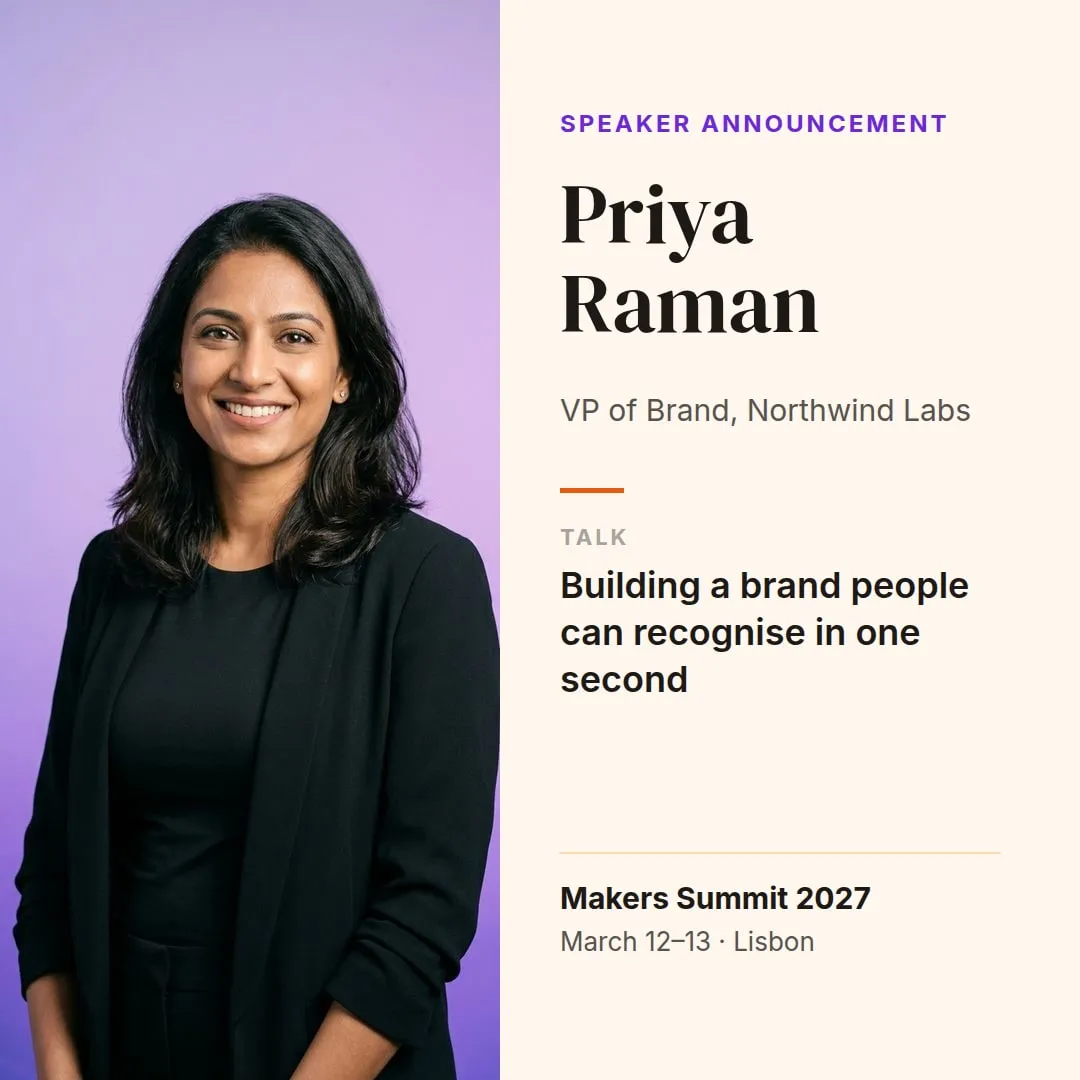
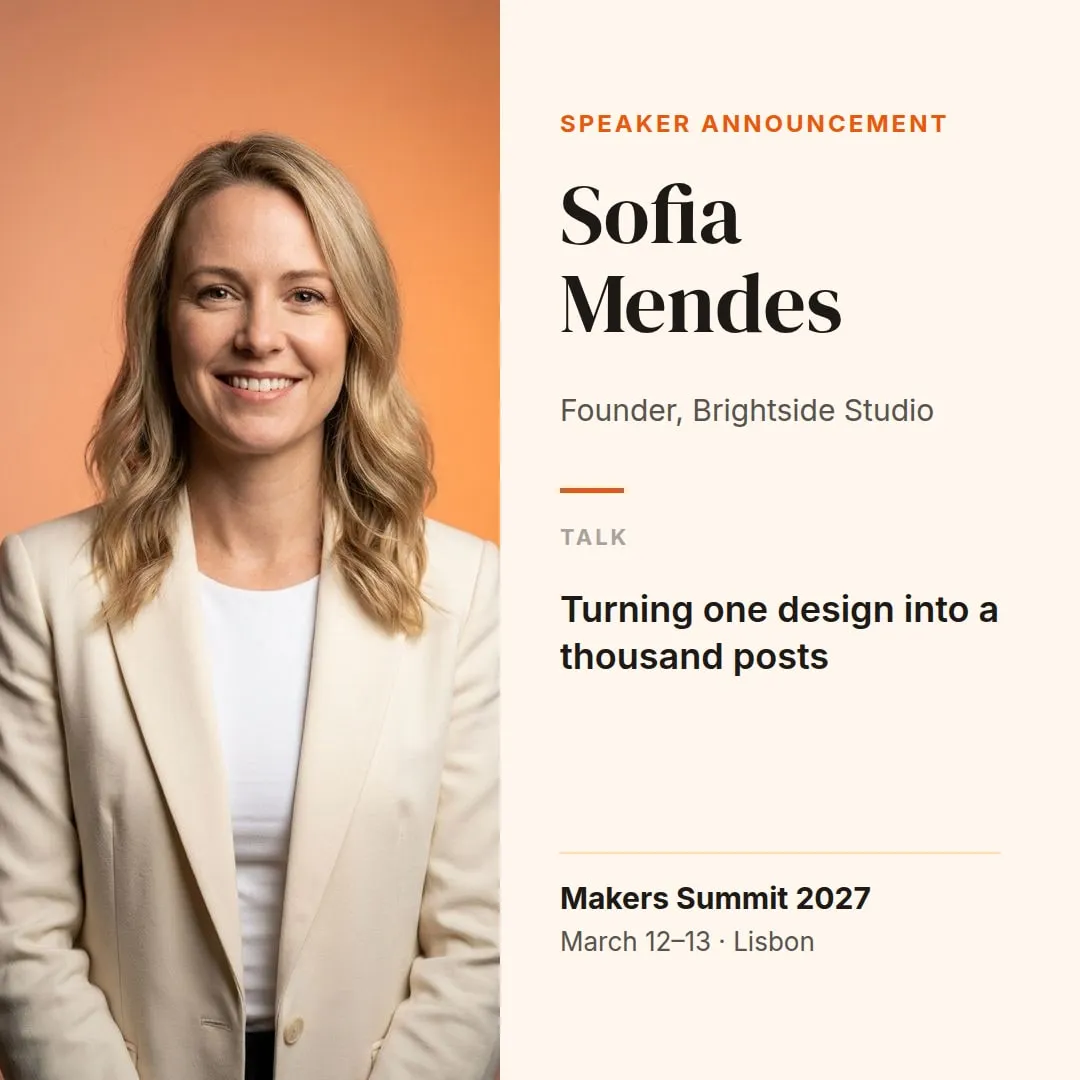
 The template, from Canva
photo name role talk event -
"name": "Marcus Lee" -
"name": "Priya Raman" -
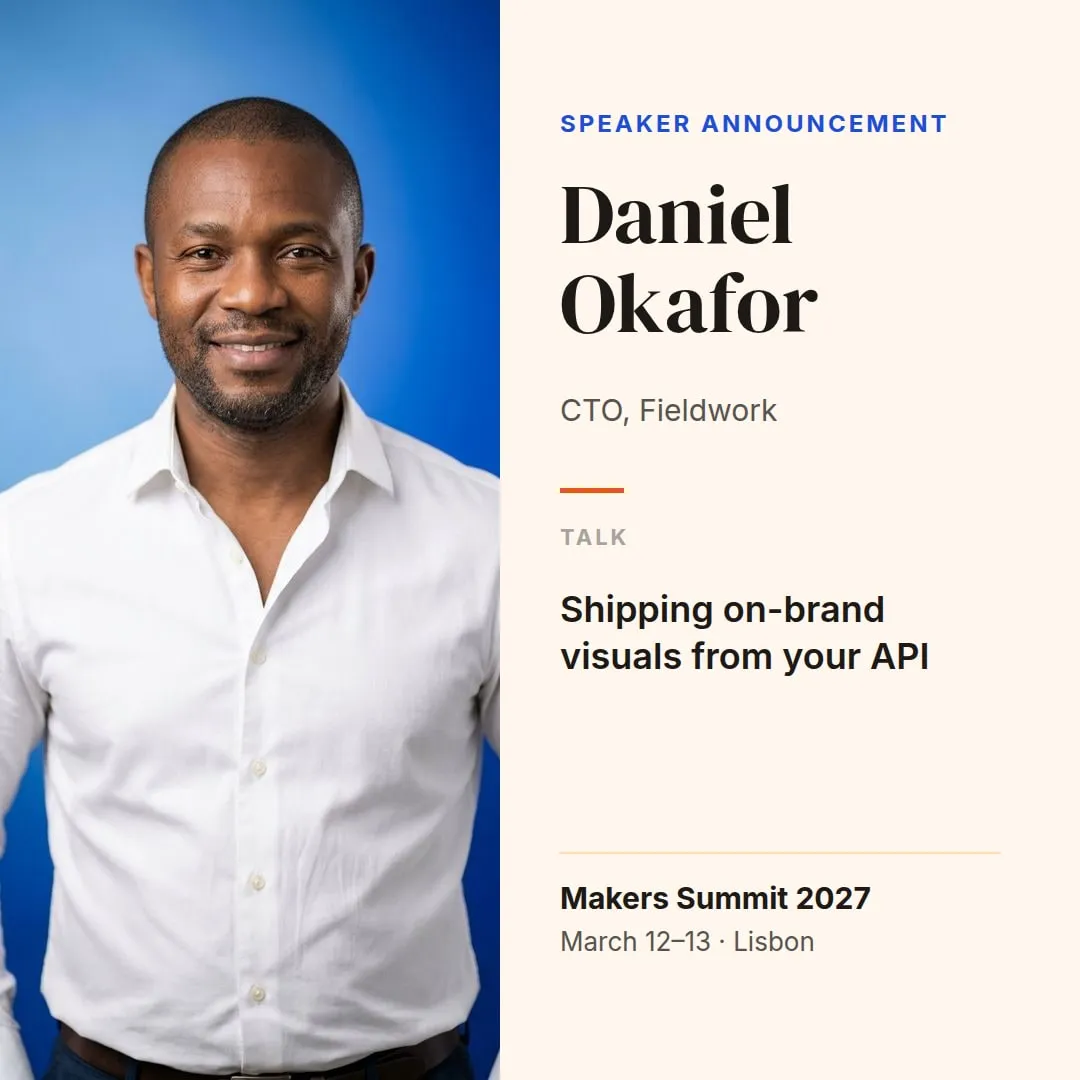
"name": "Daniel Okafor" -
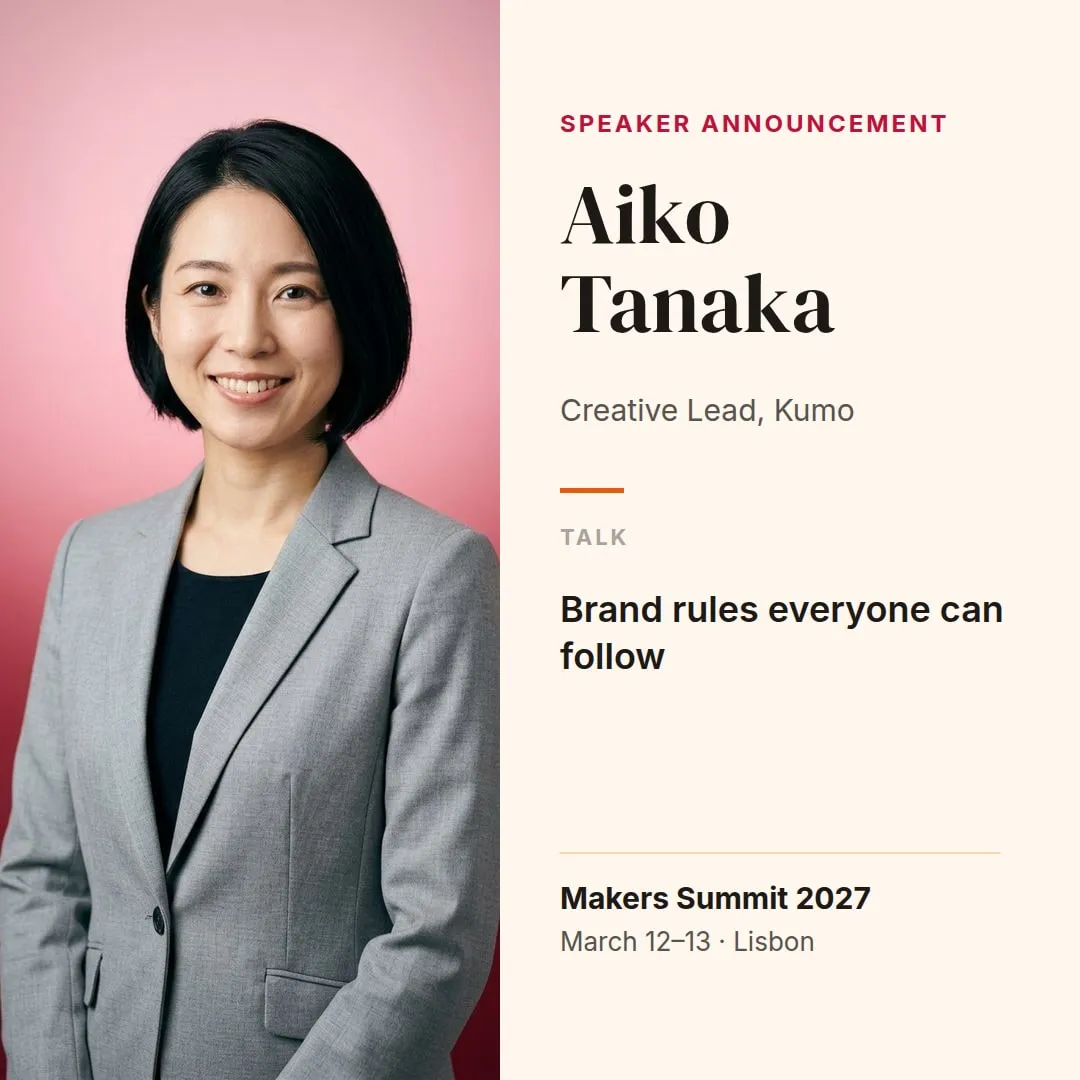
"name": "Aiko Tanaka"
From Canva link to template in a minute
In Canva, click Share, set Anyone with the link to Can view, and copy the link. In JamFrame, click Import from Canva on the Templates page and paste it.
- Every page comes in, up to 20, so carousels stay carousels
- Pictures, videos and Google fonts are copied to your brand library
- Your design in Canva stays exactly as it is
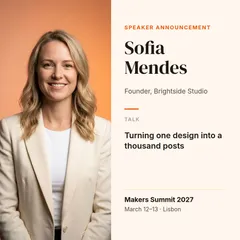
Fields are ready when it opens
JamFrame marks the parts that usually change. Each text box gets a key from its first words, so “Sofia Mendes” becomes sofia_mendes, and you can rename it to name. Large photos become photo, photo_2 and so on, a full-page picture becomes background, and videos become video.
- The same text on several pages shares one key
- One-line text shrinks to fit a longer value
- Rename keys or add fields in the editor
Fill it from anywhere
Send new values with the REST API, or let a Google Sheet, Airtable, Zapier, Make, n8n or an AI assistant do it. Forms and dynamic URLs work too.
- Photos from any image URL
- Up to 10 sizes in one call with Smart Resize
- Post the results to your social accounts
-
 Google Sheets
-
 Zapier
-
 Make
-
 n8n
-
 ChatGPT
- REST API
 Your Canva template name · role · talk · photo
- A sheet row
- A Zap
- A ChatGPT chat
Clear about what comes across
Text, photos, shapes, crops, rotation and videos come across well. Canva's own fonts are licensed for use in Canva only, so JamFrame swaps them for a similar Google font.
- Google fonts come across as they are
- Upload a font you own, import again, and it's used
- The import lists anything that didn't come across exactly
 Speaker announcement Import report
- 1 page, 1080 × 1080 One template, same size Kept
- 7 text layers 6 of them became API fields Kept
- 1 photo Copied to your brand library Kept
- DM Serif Display, Inter Google fonts, same families Kept
- Canva Sans Canva's own font → Inter Swapped
- Shadow on the name Text effect left out Flattened
JamFrame or the Canva autofill API?
The Canva API can fill designs too, through a Canva app you build. Since September 2026 its autofill works on Canva Pro and Teams as well as Enterprise. Here's how the two compare.
| Compared | JamFrame | Canva autofill API |
|---|---|---|
| Canva plan | Any plan, even Free | Canva Pro, Teams or Enterprise |
| Setup | Paste a view link, then use your API key | Build a Canva app with OAuth and add data fields to a design |
| Images | Any image URL | Upload each image to Canva first |
| What you get back | A finished file | A new Canva design, exported in a second job |
| Formats | PNG, JPEG, WebP, PDF and MP4 | JPG, PNG, GIF, PDF, PPTX and MP4 |
| Rate limits | 100–200 requests a minute, by plan | 60 autofill jobs and 20 exports a minute per user |
| No-code and AI | Google Sheets, Airtable, Zapier, Make, n8n, Claude, ChatGPT | Build it yourself |
| Review | None | Canva reviews public apps before release |
Sources, checked 17 Nov 2026: Canva developers changelog (autofill on Pro and Teams), Canva autofill guide, Create design autofill job, Create design export job, Canva Help: Canva's APIs.
Everything included
Everything you get
In the editor
- Import from Canva on the Templates page
- Pages, text, photos, shapes and videos
- Google fonts, or your own in the brand library
- Edit anything after the import
In the API
- PNG, JPEG, WebP, PDF and MP4
- Up to 20 pages per call
- Up to 10 sizes per call
- Async jobs, webhooks, signed and dynamic URLs
With AI agents
- Claude and ChatGPT connect through the MCP server
- render_template fills any template from a chat
- The design agent drafts new templates
- publish_post schedules the result
Use cases
Who uses it for what
-
On-brand content for every client, at scale.
Learn more -
Speaker cards, countdowns and recap videos.
Learn more -
Local graphics for every location, on brand.
Learn more -
Appeals, donor thank-yous and progress posts.
Learn more
Keep reading
More on Canva automation
-
Docs
Step by step: share the link, import it, check the fields, and fix what didn't come across.
Learn more -
Integration
What the import brings in, how long it takes, and the limits on each plan.
Learn more -
Comparison
Bulk Create makes up to 300 designs when you click. See what changes when it runs on its own.
Learn more -
Guide
Turn each row of a sheet into a post from your template, on a schedule.
Learn more
Questions
Canva automation: common questions
Does Canva have an API?
Is the Canva API free?
Do I need Canva Pro or Enterprise?
How is this different from Canva Bulk Create?
Does everything in my Canva design come across?
What happens to Canva's fonts?
If I change the design in Canva, does JamFrame update?
Can I import Canva's ready-made templates?
Can I turn off the share link after the import?
More ways to use JamFrame
-
On-brand images from your templates, by API.
Learn more -
Multi-page PDFs from templates you design.
Learn more -
Web banners and ads in every size at once.
Learn more
Make your first render in minutes.
Pick a template from the library, connect a source and make your first post in minutes.