Best PDF generator APIs in 2026: 11 compared
The best PDF generator APIs in 2026: HTML to PDF APIs like PDFShift and DocRaptor, and template APIs like CraftMyPDF and PDFMonkey, with free tiers and prices checked on each site.
TL;DR:
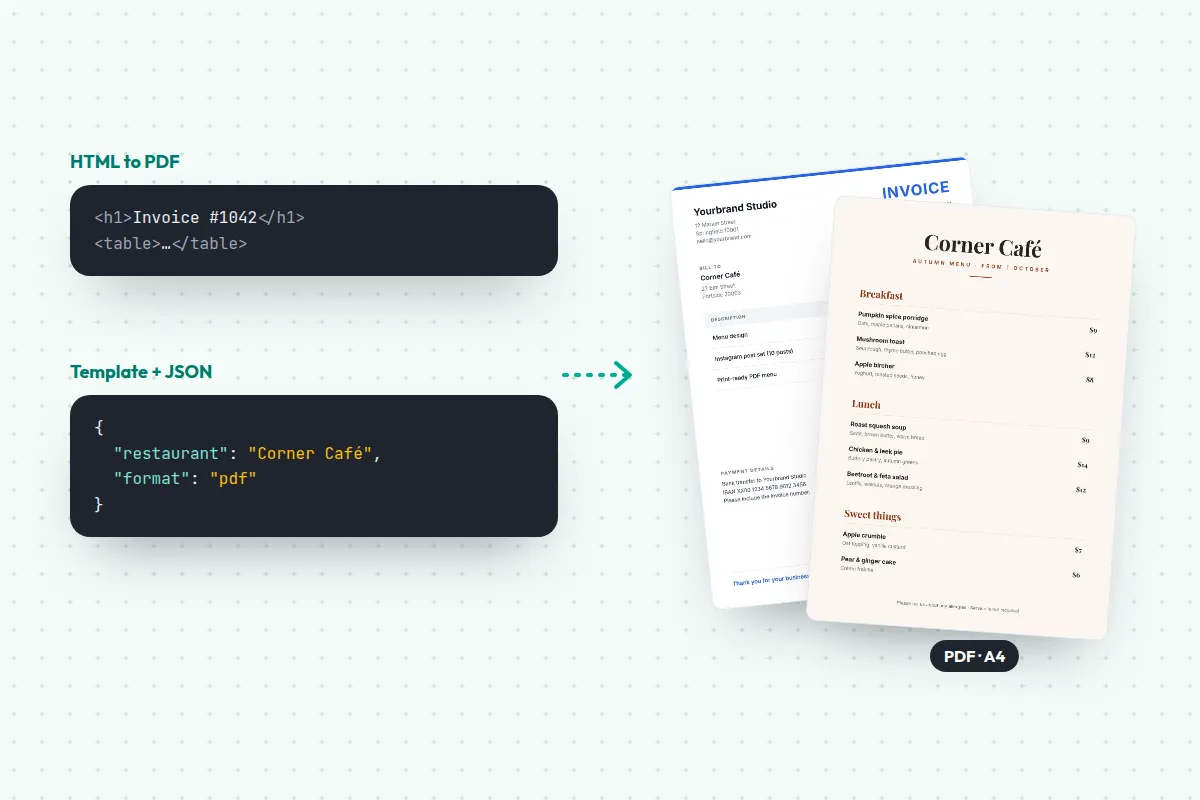
A PDF generator API turns your data into a PDF with one request. Some print HTML you write, and some fill a template you design once. Here are 11 of the best in 2026, with free tiers and prices checked on 18 November 2026.
- HTML to PDF: PDFShift, DocRaptor, Api2Pdf, and Gotenberg to self-host for free
- Business documents from templates: CraftMyPDF, APITemplate.io, PDFMonkey, PDF Generator API, Carbone
- Filling existing PDF forms: DocSpring
- Designed pages like menus and flyers: JamFrame, 1 credit per page
- Most have a free tier, and PDFShift starts at $9 a month
Sooner or later, most apps need to make PDFs: invoices, receipts, certificates, reports, tickets. You can run a headless browser on your own server, or use a PDF generator API: you send HTML or JSON, and a PDF comes back.
Running the browser yourself works, until you’re keeping Chrome up to date, chasing fonts that didn’t load and running out of memory at the end of the month. An API takes that off your hands. The hard part is picking one, because they work in two very different ways.
This guide explains the two kinds, compares 11 APIs with prices checked on each company’s site, and says which fits which job.
A note before we start: JamFrame is our product, and CraftMyPDF and APITemplate.io are made by the same company. They’re on the list with the same kind of facts as everyone else, and so are their limits.
What a PDF generator API does
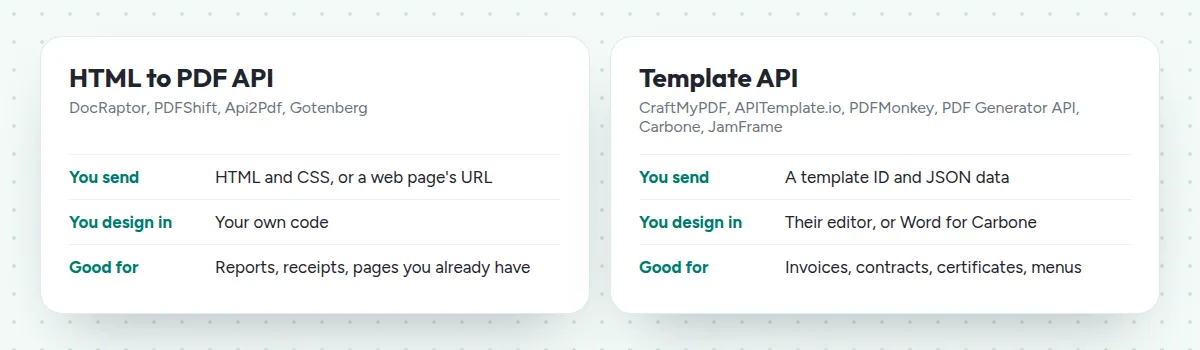
Every PDF generator API takes data in and gives a file back. The difference is where the design lives:
- HTML to PDF APIs print a web page. You build the page with your own code, and the API turns it into a PDF, the way a browser prints. Pages break wherever the content runs out, so a long table simply carries on.
- Template APIs fill a design. Someone builds the document once in the API’s editor, and your code sends only the data, as JSON. Changing the layout doesn’t need a developer.
The 11 PDF generation APIs at a glance
Prices come from each company’s pricing page on 18 November 2026, before tax, billed monthly unless noted.
| API | Free tier | Paid plans from |
|---|---|---|
| PDFShift | 50 credits a month | $9 a month, 500 credits |
| DocRaptor | 5 documents a month | $15 a month, 125 documents |
| Api2Pdf | A month of free credit | $1 a month, plus usage |
| Gotenberg | Free and open source | The cost of your server |
| CraftMyPDF | 50 documents a month | $29 a month, 1,200 documents |
| APITemplate.io | 50 documents a month | $24 a month, 3,000 documents |
| PDFMonkey | 20 documents a month | €5 a month, 300 documents |
| PDF Generator API | 14-day trial, 50 credits | $90 a year, 50 credits a month |
| Carbone | 100 documents a month | €29 a month, 1,000 documents |
| DocSpring | 200 credits a month | $49 a month, 10,000 credits |
| JamFrame | 100 pages a month | $39 a month, 2,500 pages |
HTML to PDF APIs
Pick one of these when you already have HTML, or a developer who’d rather write it.
1. PDFShift: the cheapest place to start
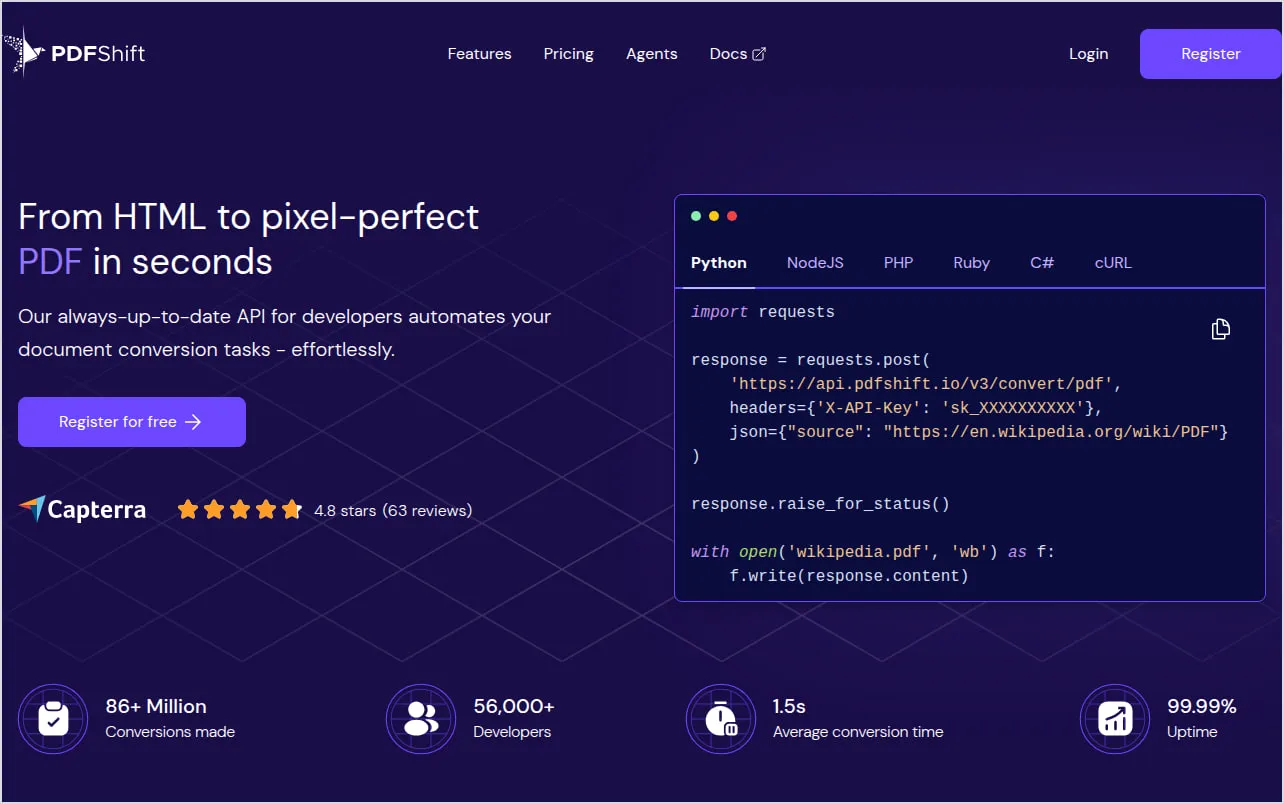
PDFShift converts HTML to PDF with Chromium, the engine inside Google Chrome (PDFShift).
- It’s cheap to start. The free plan has 50 credits a month, with no card. Starter costs $9 a month, or $90 a year, for 500 credits (PDFShift pricing).
- It counts by file size. One credit covers 5 MB of PDF, so a 14 MB file uses 3. Most text documents stay well under that.
2. DocRaptor: accessible PDFs
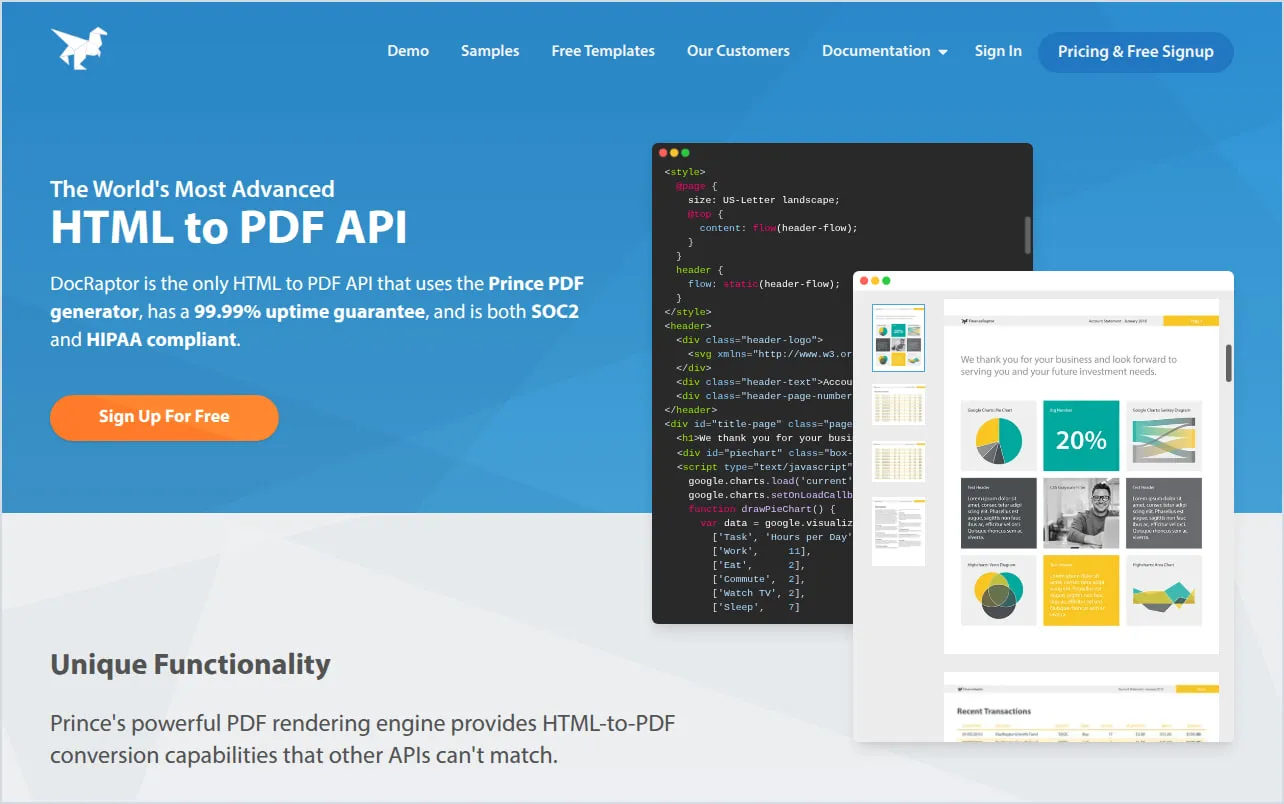
DocRaptor uses Prince, a different engine from the browser-based APIs, and can make PDFs that meet the PDF/UA accessibility standard (DocRaptor).
- Testing is free. Every account gets unlimited test documents, with a watermark.
- It counts documents, not size. The free plan has 5 documents a month, and Basic is $15 a month for 125 (DocRaptor plans). It doesn’t charge extra for large or complex documents.
3. Api2Pdf: pay only for what you use
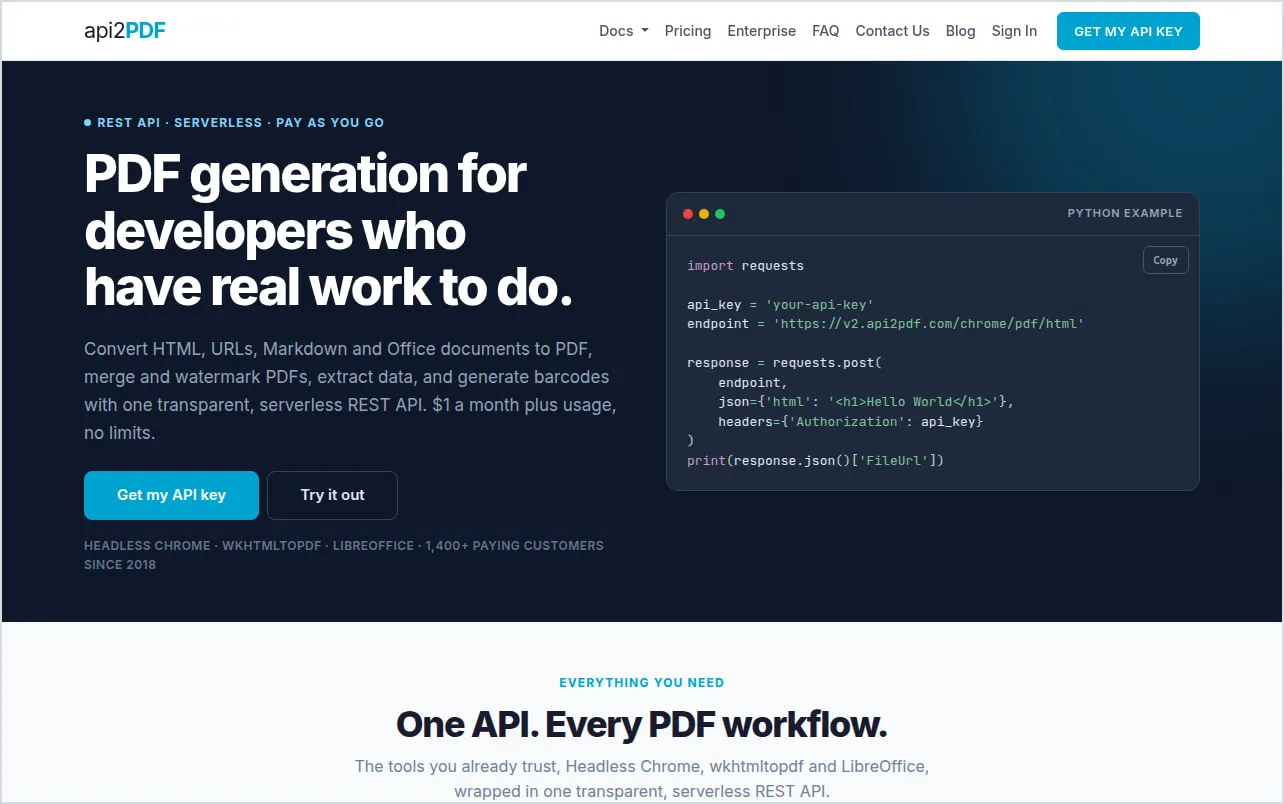
Api2Pdf has one plan: $1 a month, plus $0.001 per MB of bandwidth and a fraction of a cent per second of compute. Its own example puts 10,000 small PDFs a month at about $5.91 (Api2Pdf pricing).
- Three engines in one API: Chrome, wkhtmltopdf and LibreOffice.
- The bill moves with your usage. That’s cheap at high volume, but harder to predict than a fixed plan.
4. Gotenberg: free, on your own server
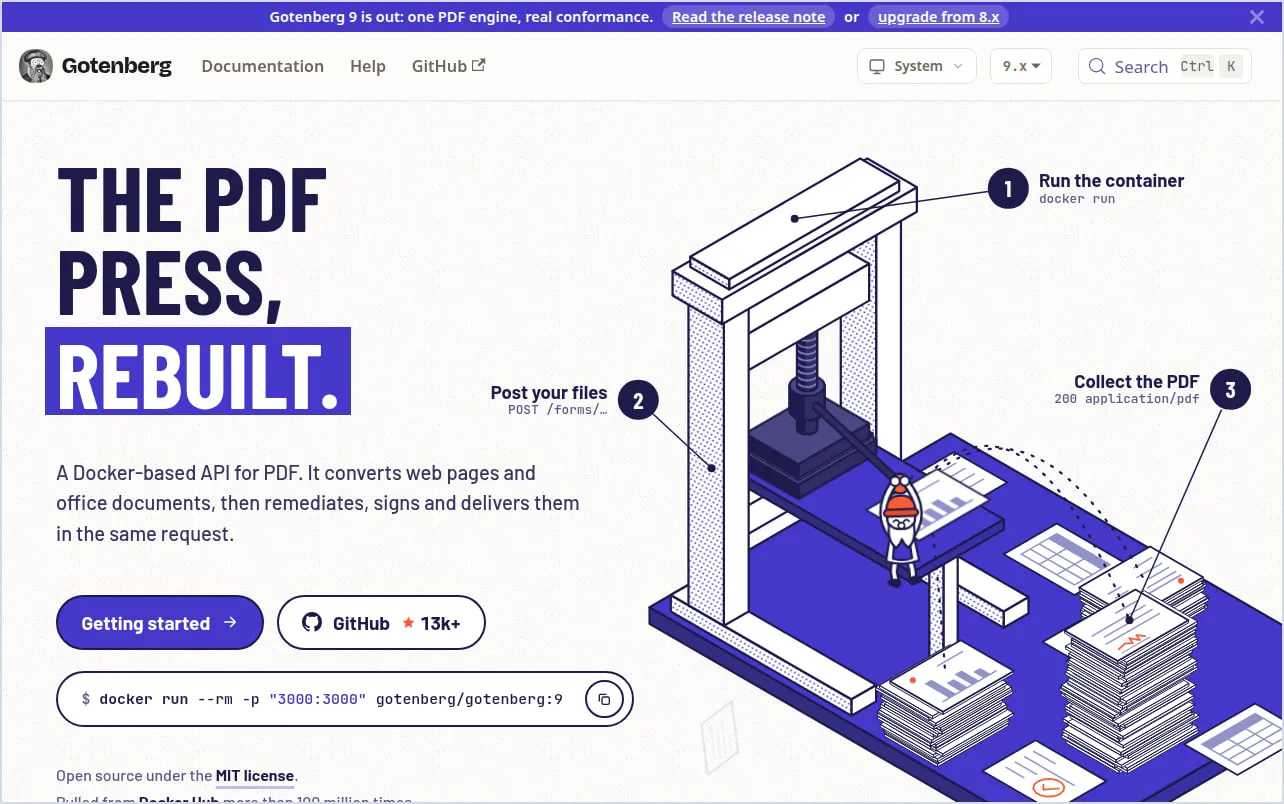
Gotenberg is open source, under the MIT license. It’s a Docker container that gives you a PDF API on your own server (Gotenberg). Chromium prints HTML, web pages and Markdown, and LibreOffice converts Word, Excel, PowerPoint and over a hundred other formats.
- The software is free. You pay for the server it runs on.
- You run it. Scaling it, updating it and keeping it up are your job.
Template APIs for business documents
These suit documents that repeat with new data, like invoices, contracts and reports, and that someone other than a developer should be able to change.
5. CraftMyPDF: priced per document, however long
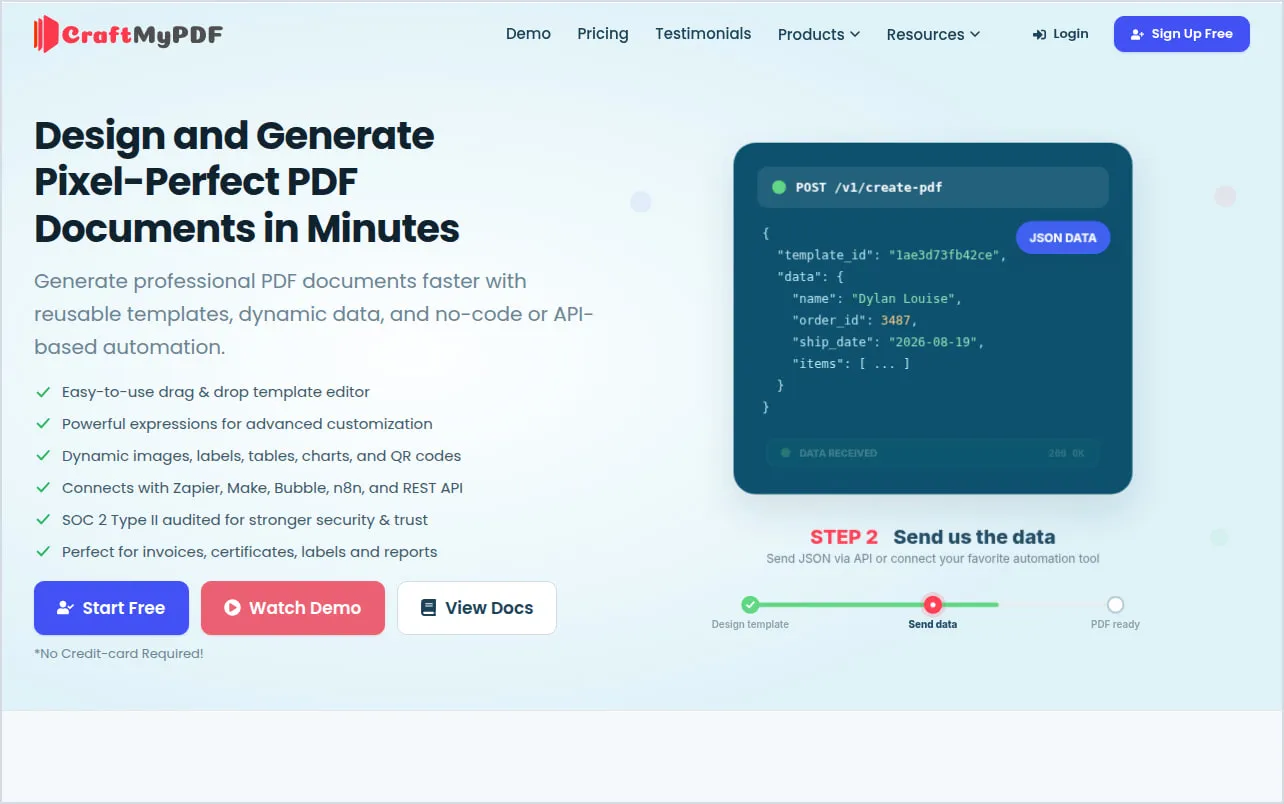
CraftMyPDF is made by the same company as JamFrame. You design templates in a drag-and-drop editor, and it adds fillable PDF forms, e-signatures, and apps for Zapier, Make and n8n (CraftMyPDF).
- Long documents cost the same as short ones. One PDF is one credit, whatever the number of pages.
- Plans: the free plan has 50 PDFs or images a month and 3 templates. Lite costs $29 a month, or $290 a year, for 1,200 (CraftMyPDF pricing).
6. APITemplate.io: templates, HTML and web pages in one API
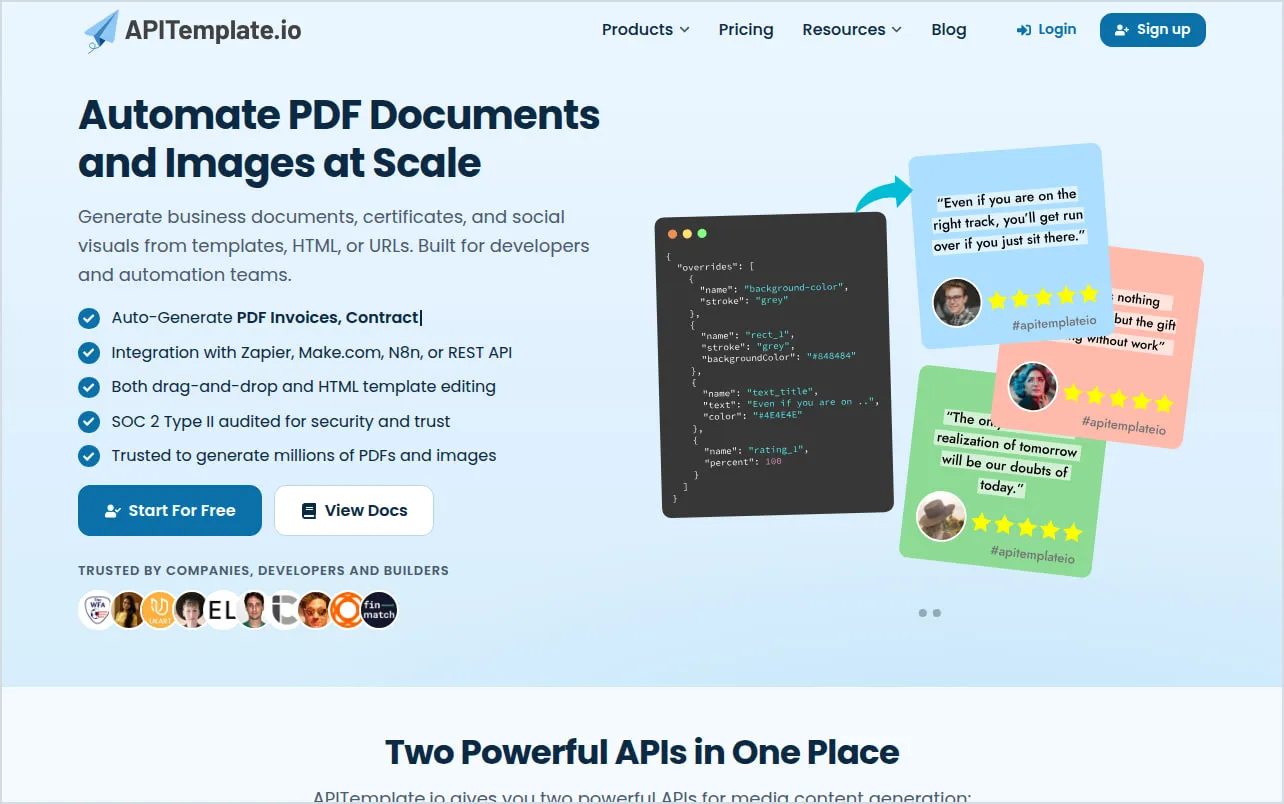
APITemplate.io is also made by the same company as JamFrame. It makes PDFs from templates you build in a visual editor or in HTML, and also from raw HTML, Markdown or a live web page’s URL (APITemplate.io). Headers and footers can show page numbers and the total pages, and it runs in four regions: the US, the EU, Singapore and Australia.
- It covers both kinds. Send HTML you already have, or let someone design a template in the editor. It works with Zapier, Make, n8n and Airtable too.
- Plans: the free plan has 50 PDFs or images a month and 3 templates. PDF Basic costs $24 a month, or $19 a month billed yearly, for 3,000 PDFs (APITemplate.io pricing).
7. PDFMonkey: low prices, hosted in the EU
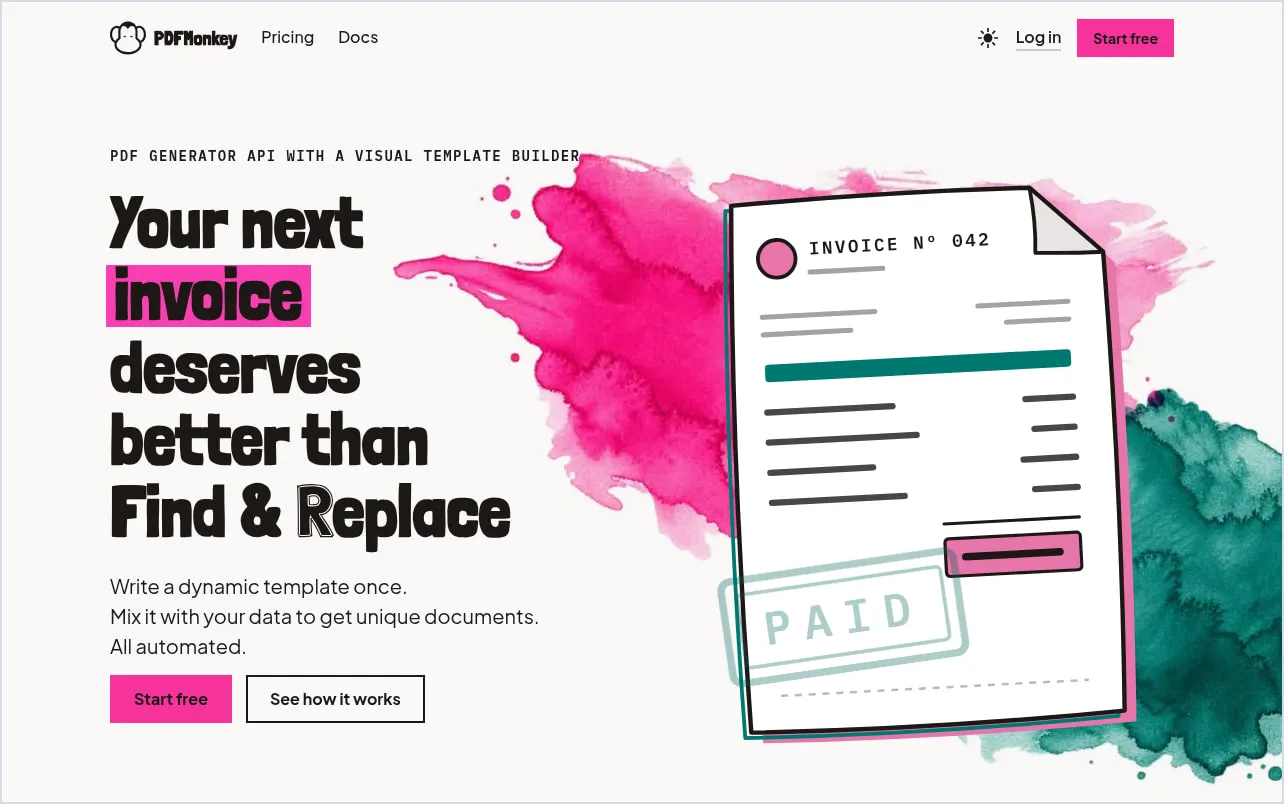
PDFMonkey templates are built in its visual Builder, or in HTML, CSS and Liquid. Tables grow with your data, with repeating headers and page numbers, and it makes Factur-X e-invoices (PDFMonkey).
- It’s cheap. Starter is €5 a month for 300 documents.
- The free plan is for trying it. It has 20 documents a month, without outside images or fonts (PDFMonkey pricing).
We compare it with JamFrame in more detail on JamFrame vs PDFMonkey.
8. PDF Generator API: an editor your customers can use
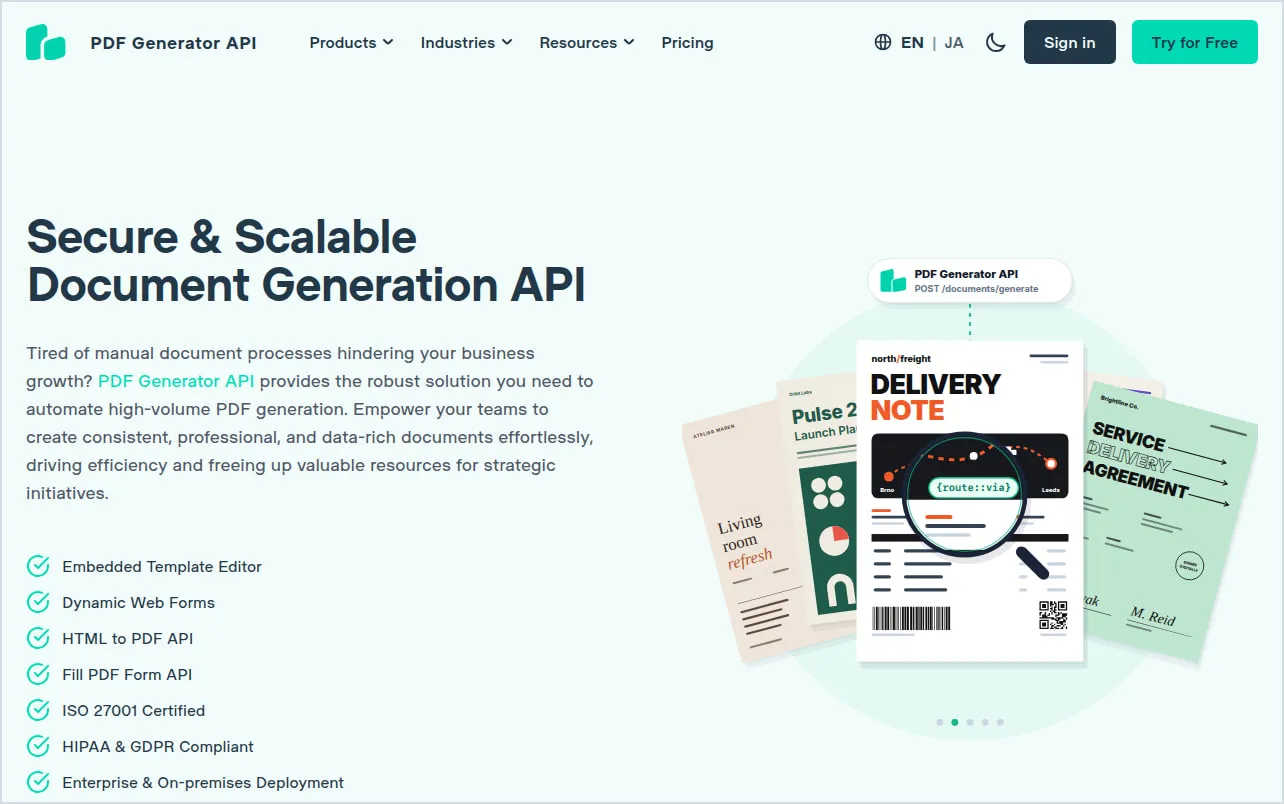
PDF Generator API has a drag-and-drop editor with an AI template builder, and PDF form filling on every plan. From its Basic plan, €88 a month, you can embed a white-label version of the editor in your own app (PDF Generator API).
- A credit covers up to 5 pages, so a 12-page document uses 3.
- Plans: a 14-day trial with 50 credits, then Creator from $90 a year for 50 credits a month (PDF Generator API pricing).
9. Carbone: templates made in Word
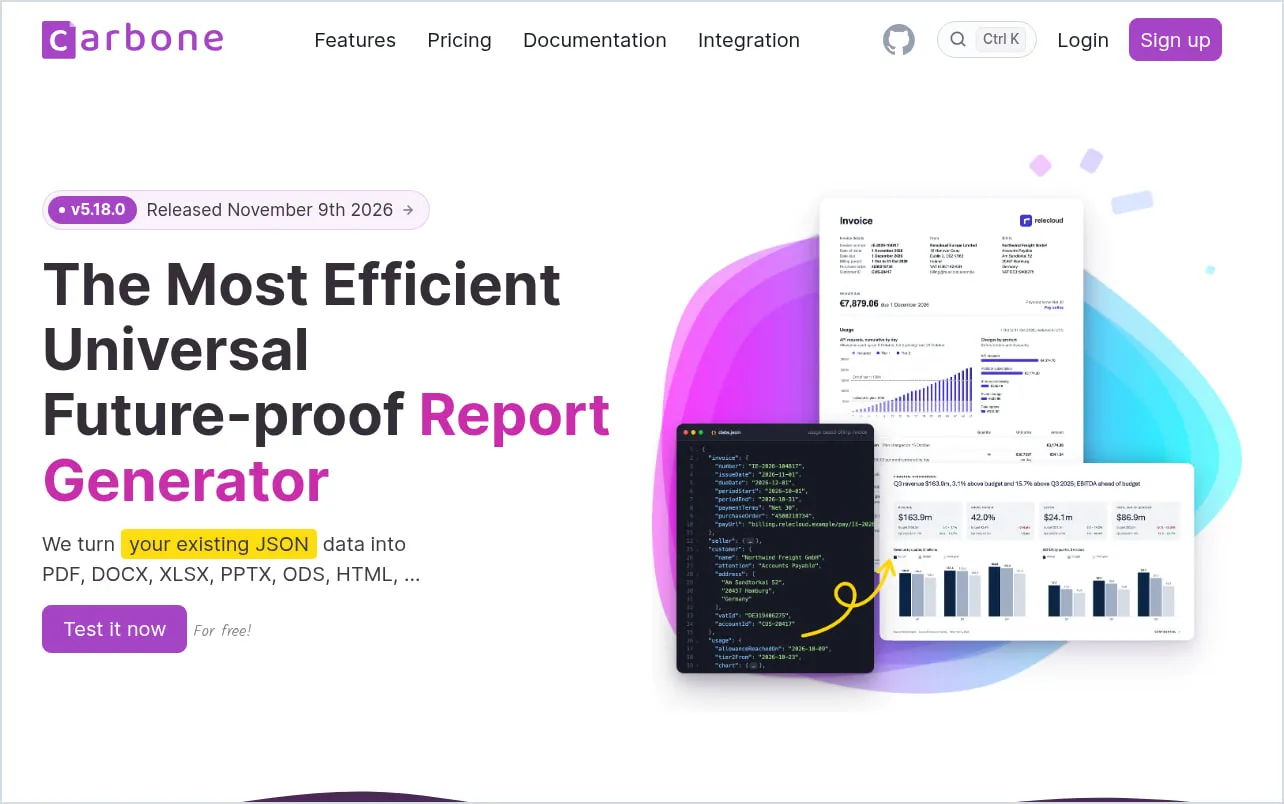
With Carbone, you design the template in Word, Excel, PowerPoint or LibreOffice, mark where the data goes, and send JSON. It makes PDFs and Office files (Carbone).
- Plans: the free cloud plan has 100 documents a month. Essential is €29 a month, or €26 a month billed yearly, for 1,000 (Carbone pricing).
- You can host it yourself for free. The Community Edition has no document limit. Its license is source-available, not open source, so read it before you offer document generation as a hosted service.
For PDF forms
10. DocSpring: fill the forms you already have
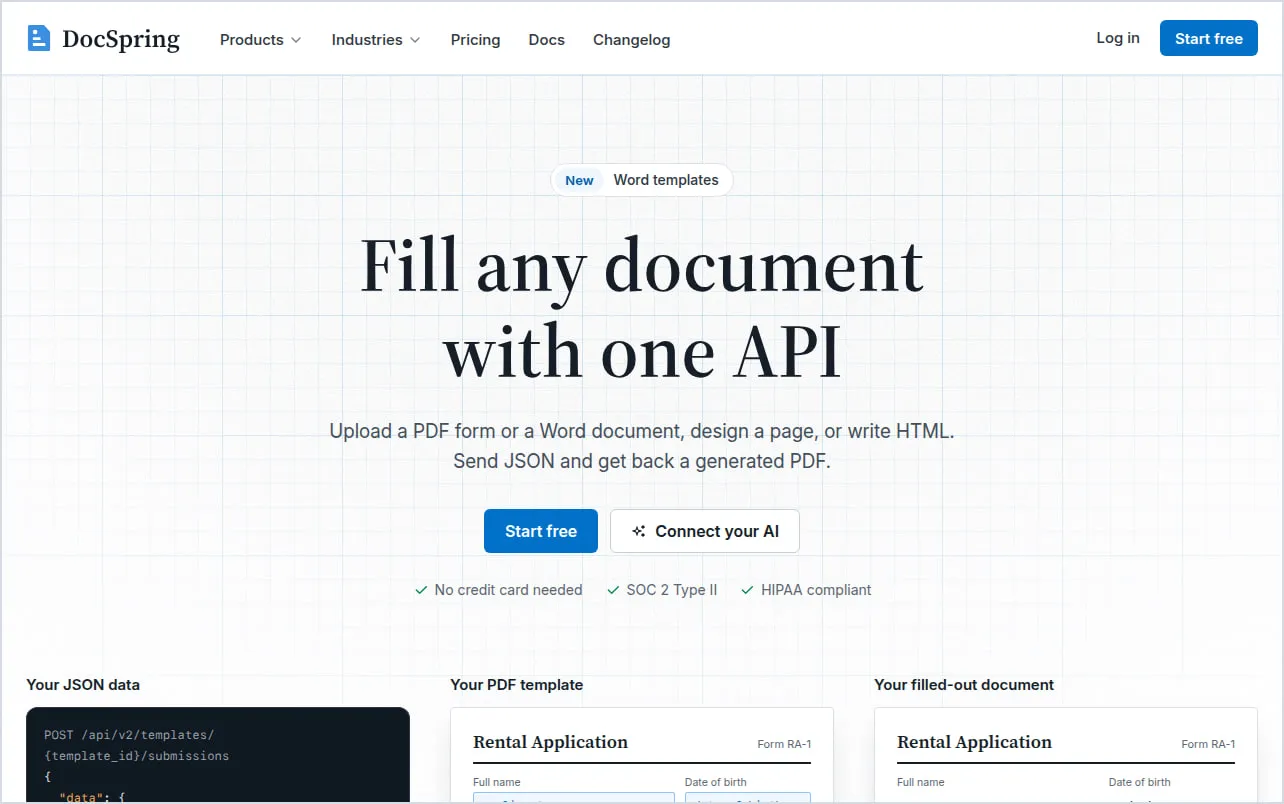
Upload any PDF, fillable or flat, and DocSpring finds its form fields. Your code then sends JSON and gets the filled PDF back, with e-signatures if you need them (DocSpring).
- Built for forms you can’t redesign, like applications that have to stay in their official layout.
- Plans: the free plan has 200 credits a month, about 10 filled PDFs. Starter is $49 a month for 10,000 credits: about 500 filled forms, or 2,500 PDFs from HTML templates (DocSpring pricing).
For designed pages
11. JamFrame: PDFs that look like your brand
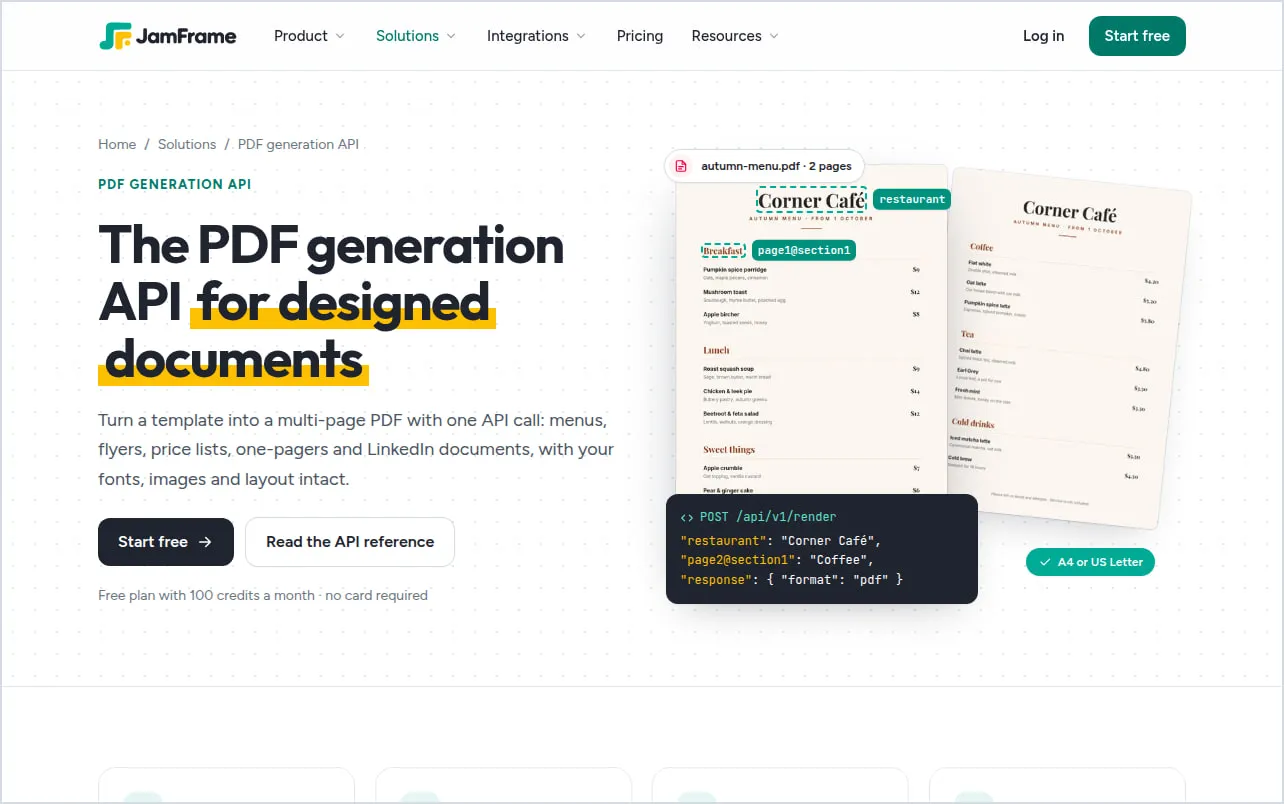
JamFrame is built for pages people look at: menus, flyers, certificates, one-pagers and LinkedIn documents. You design the pages in a visual editor, with A4 and US Letter presets and your own fonts, and fill them with JSON. The same template can also make images, carousels and short videos.
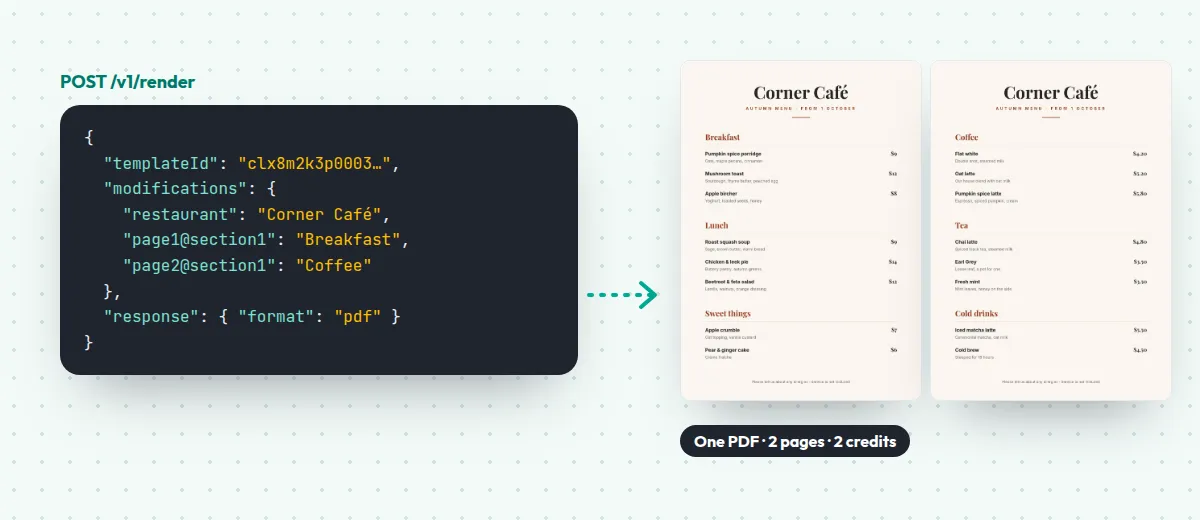
- One request, one PDF. A render can have up to 20 pages, and fields like
page2@section1put different text on each page (render docs). - Each page is one credit. The Free plan has 100 credits a month, so 100 pages. Starter is $39 a month for 2,500.
- No code needed, too. A workflow makes one PDF per row of a Google Sheet, and a form lets anyone fill in a template and download the PDF.
- Pages don’t flow. A table that runs past the bottom of a page doesn’t carry on to the next one. For long invoices and reports, a template API from the list above is the better fit.
There’s more on the PDF generation API page.
Also making images? Image APIs such as Bannerbear, Placid, Templated and Orshot also export PDFs from their templates. Like JamFrame, they suit designed pages more than long documents. Our comparison pages have their prices.
Or build it yourself
Puppeteer, a free and open-source library for controlling Chrome, makes a PDF of any page with page.pdf() (Puppeteer docs). It’s a good way to start, and it costs nothing.
The cost comes later. You run the browser yourself: installing Puppeteer downloads about 280 MB of Chrome on Linux (Puppeteer docs). Every server that makes PDFs needs one, kept up to date, with your fonts installed. Gotenberg is the middle way: the same kind of engine, ready-made as an API.
How to choose
- You already have HTML pages? Start with PDFShift, or DocRaptor if the PDFs must be accessible. At high volume, look at Api2Pdf, or run Gotenberg yourself.
- HTML now, templates later? APITemplate.io takes both in one API.
- Invoices, contracts or reports with tables that grow? Use a template API built for documents: CraftMyPDF, APITemplate.io, PDFMonkey or PDF Generator API. Pick Carbone if your templates live in Word.
- A form you have to fill as it is? DocSpring.
- Pages that need to look designed, or the same design as your images and posts? JamFrame.
What a long document costs
How an API counts matters most for long PDFs. A 12-page report costs:
- 1 document at DocRaptor, CraftMyPDF, PDFMonkey and Carbone.
- 1 credit at PDFShift, as long as the file is under 5 MB.
- 3 credits at PDF Generator API, which counts in blocks of 5 pages.
- 12 credits at JamFrame, one per page.
For one-page documents, like certificates, tickets or a single flyer, they all count the same: one.
Where to go next
- See what JamFrame’s PDF generation API makes, with examples.
- Compare JamFrame and PDFMonkey side by side: JamFrame vs PDFMonkey.
- Making images too? Read image generation API: templates or AI?
Start free with 100 credits a month.
Keep reading
Best video editing APIs in 2026: 6 compared
The best video editing APIs in 2026: Shotstack, JSON2Video, Creatomate, Plainly, Remotion and JamFrame, with free plans, what a minute of video costs and what each is best for.
AI agentsCan Claude generate images? Yes, with a connector
Can Claude generate images? Not by itself: it draws charts and diagrams with code. Connect a tool like JamFrame, and Claude makes real PNG, JPEG, PDF and MP4 files from your templates.