Best video editing APIs in 2026: 6 compared
The best video editing APIs in 2026: Shotstack, JSON2Video, Creatomate, Plainly, Remotion and JamFrame, with free plans, what a minute of video costs and what each is best for.
TL;DR:
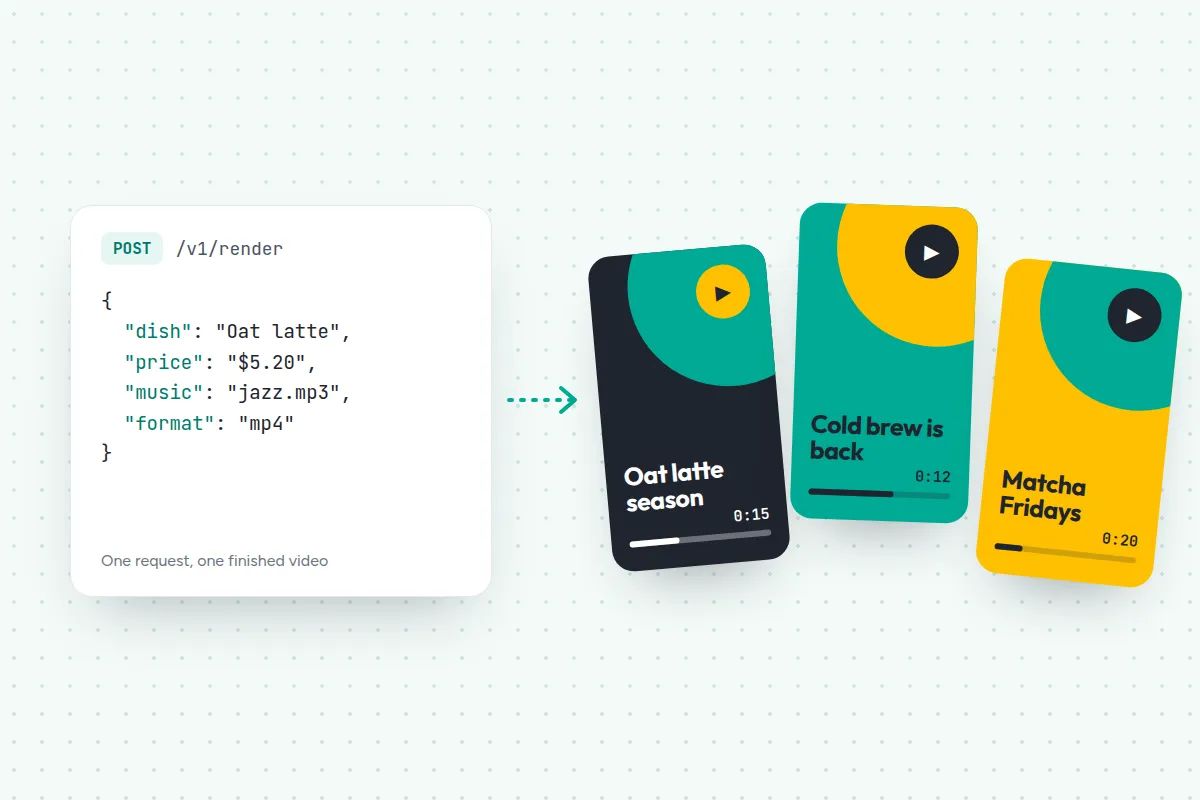
A video editing API turns your data into a finished video with one request: you send JSON, or the fields of a template, and an MP4 comes back. Here are 6 of the best in 2026, with prices checked on 20 November 2026.
- Long, complex edits on a JSON timeline: Shotstack, from $39 a month for 250 minutes
- Long videos with AI voices included: JSON2Video
- Templates for video and images: Creatomate, or Plainly for After Effects
- Short social videos that match your images and posts: JamFrame
- Videos written in React, free for teams of up to 3: Remotion
A product video for every item in your store. A Reel for every new listing. A recap for every match. Making each one by hand in a video editor takes an afternoon, and a homemade FFmpeg script breaks the first time a title runs long.
A video editing API takes that job over. You send the text, photos, clips and music, and it puts them together into a finished video, the same way every time.
One thing first: this guide is about editing APIs. They assemble the material you give them. If you want AI to invent the footage from a prompt, you need an AI video generation API, which is a different kind of tool.
This guide explains the three ways video editing APIs work, compares 6 of them with prices checked on each company’s site, and says which fits which job. JamFrame is our product. It’s on the list with the same kind of facts as the others, and we say where they fit better.
What a video editing API does
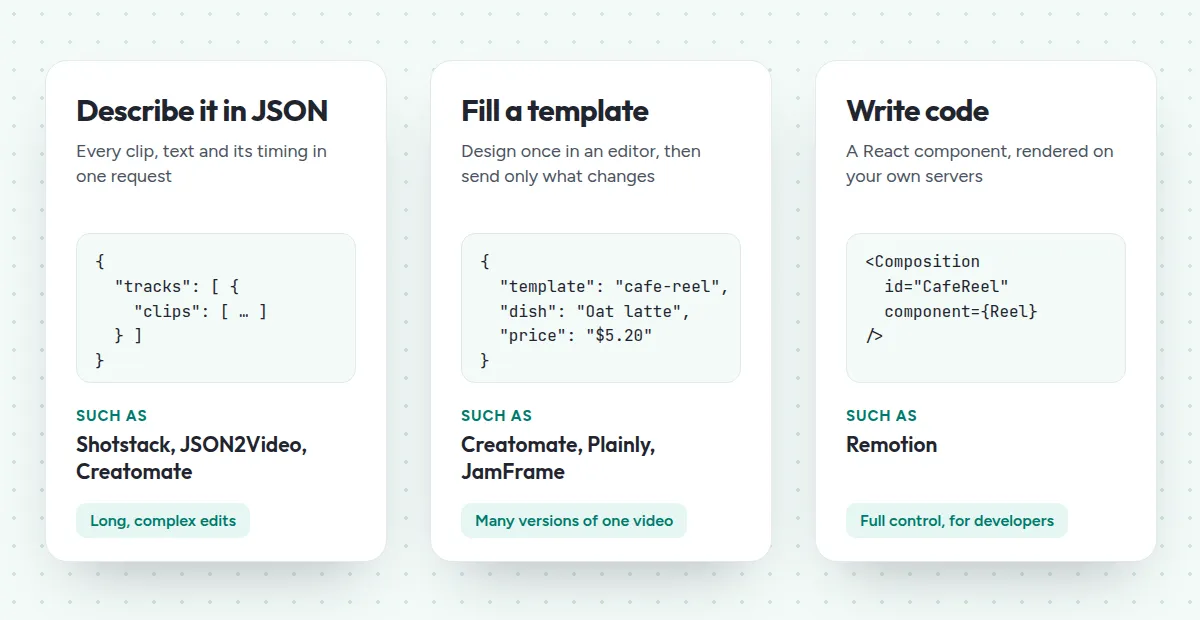
Every video editing API takes data in and gives a video file back. The difference is how you describe the video:
- Describe it in JSON. One request lists every clip, text and sound, with its timing. It suits long, complex edits. Shotstack, JSON2Video and Creatomate work this way.
- Fill a template. Someone designs the video once in an editor, and your request sends only what changes, like a headline or a photo. It suits many versions of one video. Creatomate, Plainly and JamFrame work this way, and Shotstack and JSON2Video can save templates too.
- Write code. A developer builds the video as a React component and renders it on their own servers. That’s Remotion.
Tip: Check how each API counts. Shotstack counts minutes by the second, rounded down. JSON2Video and JamFrame charge per second. Creatomate’s credits also depend on the video’s size.
The 6 video editing APIs at a glance
Prices come from each company’s pricing page on 20 November 2026, before tax, billed monthly unless noted.
| API | Free | Paid plans from | Best for |
|---|---|---|---|
| Shotstack | 10 credits at sign-up, for 30 days | $39 a month, 250 minutes | Long, complex edits |
| JSON2Video | 600 credits to start, with a watermark | $49.95 a month, 200 minutes | Long videos with AI voices |
| Creatomate | 50 credits, as small previews | $45 a month billed yearly, 2,000 credits | Video and images from one editor |
| Plainly | 14-day trial | $69 a month, 50 minutes | After Effects templates |
| JamFrame | 100 credits every month | $39 a month, 2,500 credits | Short social videos, plus images and PDFs |
| Remotion | Free for teams of up to 3 | $25 a seat, or $100 a month for automation | Developers who write React |
JSON2Video’s Hobby plan is cheaper, at $199.50 a year, but it’s sold only yearly.
Timeline APIs
Pick one of these for long videos, or when your videos are put together from real footage.
1. Shotstack: long, complex edits
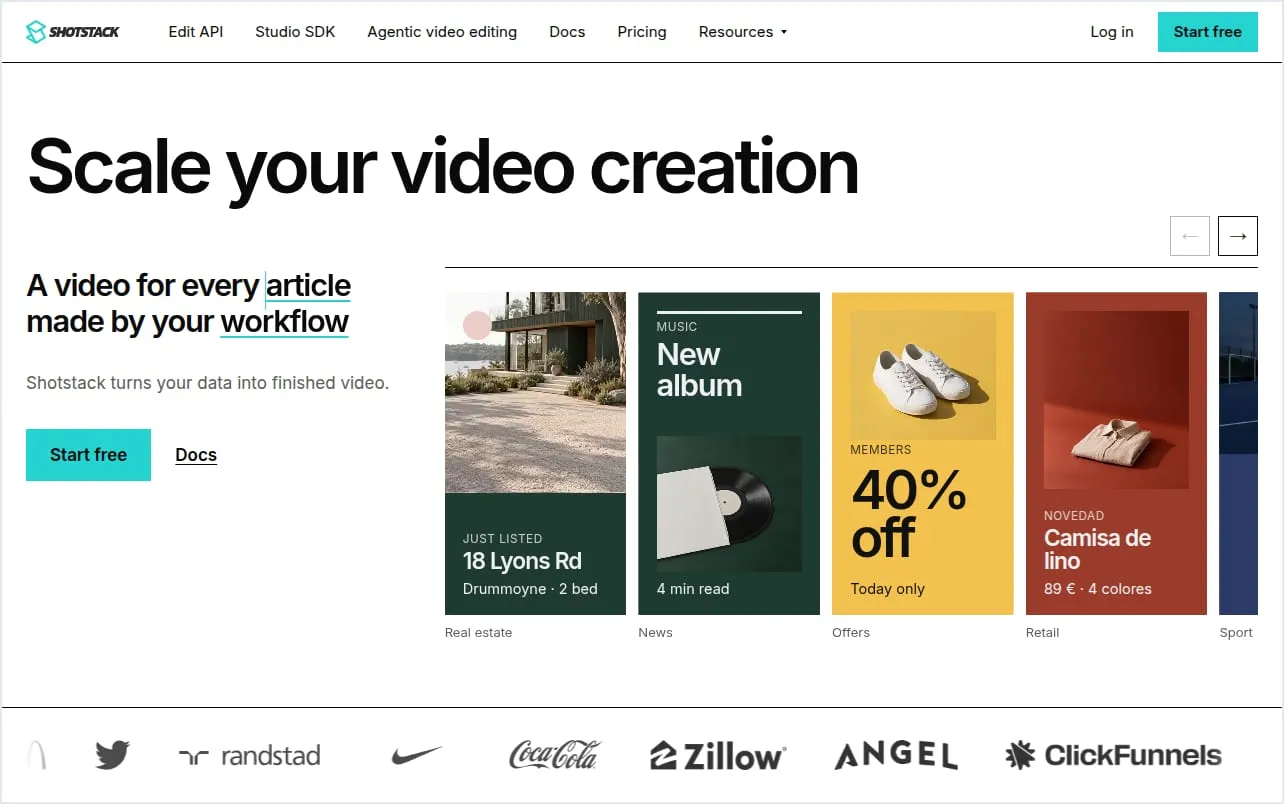
Shotstack is a cloud video editing API: you describe a video in JSON, design it in its Studio editor, or ask its AI agent to build one (Shotstack).
- It’s priced in minutes. You get 10 free credits at sign-up, valid for 30 days. Starter is $39 a month for 250 minutes, 15.6 cents a minute, and pay as you go is $10 for 50 minutes (Shotstack pricing).
- It’s built for real editing. Tracks, clips, transitions and effects, rendered as MP4, GIF or JPG, in 4K from the $99 Pro plan.
- AI goes inside the edit. Put a prompt where a file’s link would go, and Shotstack generates the image, clip, voice or music, paid in credits.
- It connects to most tools. SDKs for Node, Python, PHP and Ruby, Make, Zapier and n8n, an MCP server for AI assistants, and delivery to S3, Google Drive, Vimeo and more.
- Good to know: the free sandbox adds a watermark to every render, and unused plan minutes last 3 months.
2. JSON2Video: long videos with voices included
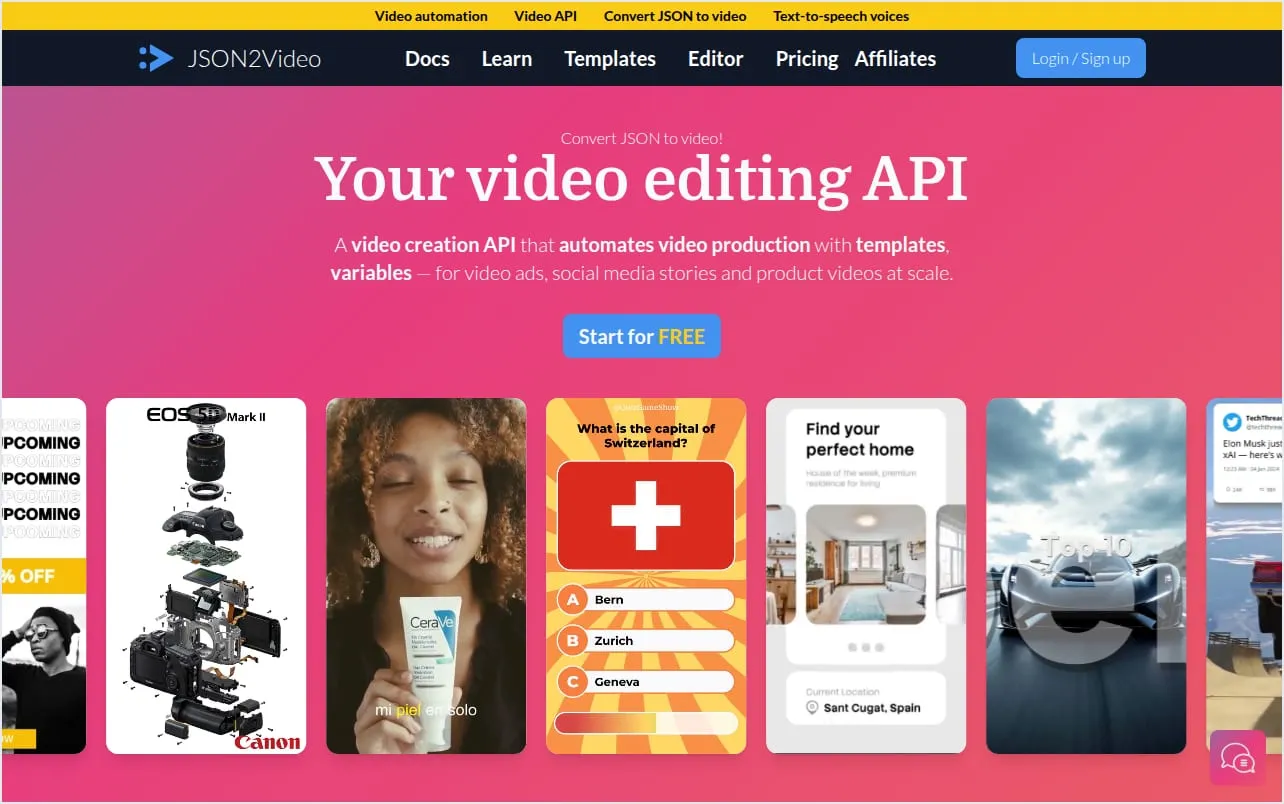
JSON2Video calls itself “your video editing API”. You send a JSON description, or design in its visual editor or from ready-made templates, and get an MP4 back (JSON2Video).
- One credit is one second. The free plan has 600 credits to start, about 10 minutes, with a watermark. Professional is $49.95 a month for 12,000 credits, about 200 minutes (JSON2Video pricing).
- Videos can be long. Up to 30 minutes on every subscription, in Full HD or 4K, wide, tall, square or a custom size.
- Voices are included. More than 10,000 ElevenLabs and Azure voices in 82 languages come with every plan, and it can add captions (JSON2Video AI voices).
- You can pay once. Pre-paid credits don’t expire: $49.95 buys 7,200.
- Good to know: official SDKs cover PHP and Node.js only, and it doesn’t make AI images or AI video itself.
Template APIs
Pick one of these when you make the same video again and again with new content, like ads, Reels or product videos.
3. Creatomate: video and images from one editor
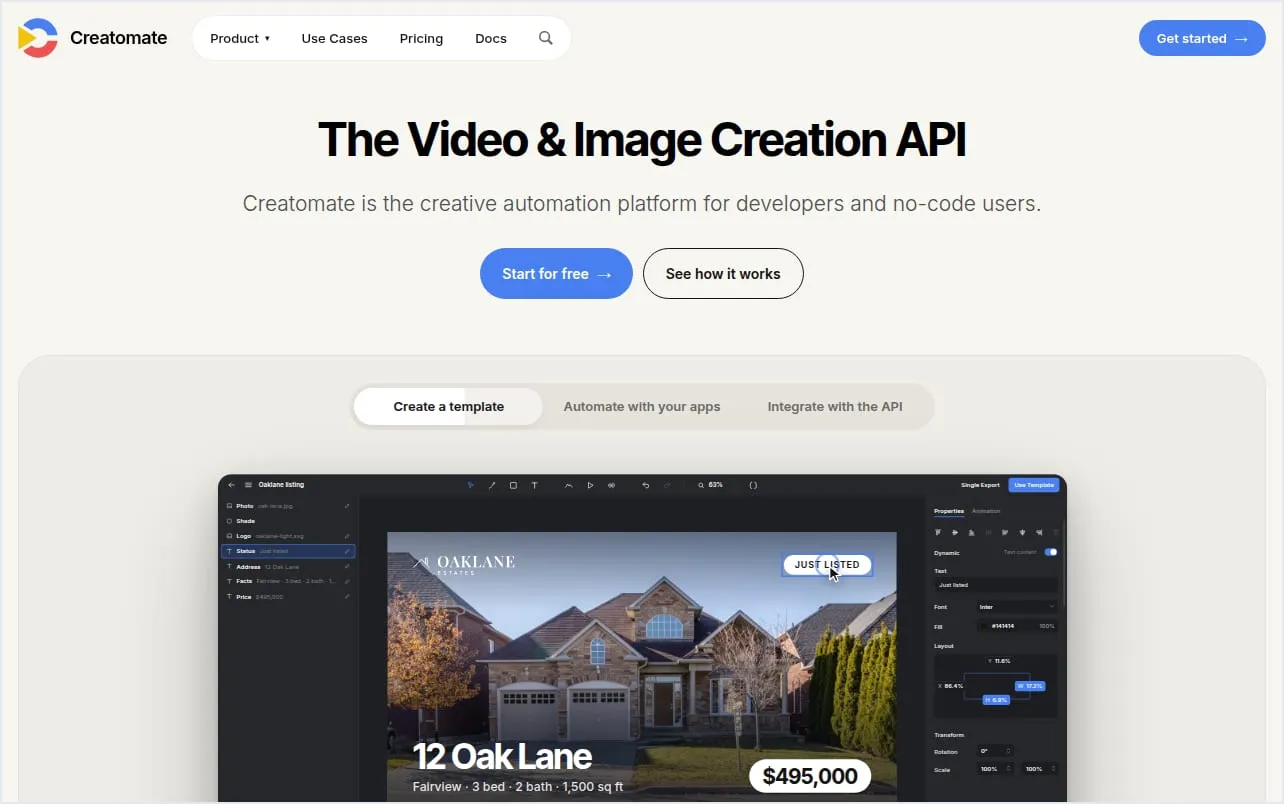
Creatomate is a video and image editor made for automation: you build a template, name the parts that should change, and fill them by API or from a no-code tool (Creatomate).
- Video and images share one plan. An image is one credit at any size. A 30-second vertical video in 720p is about 7 credits. Essential is $45 a month billed yearly ($540) for 2,000 credits: 289 of those videos, or 2,000 images (Creatomate pricing).
- It has JSON too. RenderScript describes a video in JSON, with every element, its timing and its animation. Results come back as MP4, or as JPG, PNG or GIF for images (Creatomate for developers).
- It works with any language. Its docs have examples in Node.js, Python, PHP, Ruby, Go, Java and C#, and it connects to Zapier, Make and n8n.
- Good to know: the 50 free credits render small previews of up to 480 pixels, and finished files stay available for 30 days.
4. Plainly: After Effects templates
Plainly renders Adobe After Effects templates. You design in After Effects, upload the project, and Plainly finds the parts that can change (Plainly).
- It’s made for motion designers. Your After Effects designs come back as MP4, MOV or GIF, from Full HD to 4K and above.
- It’s priced in minutes. After a 14-day free trial, Starter is $69 a month, or $48 a month billed yearly, for 50 minutes (Plainly pricing).
- It handles batches. One API request can carry many sets of data and return a video for each, with a webhook when it’s done, and there’s an MCP server (Plainly API).
- Good to know: someone on your team needs After Effects, and on Starter finished videos are kept for 24 hours.
5. JamFrame: short videos that match your brand
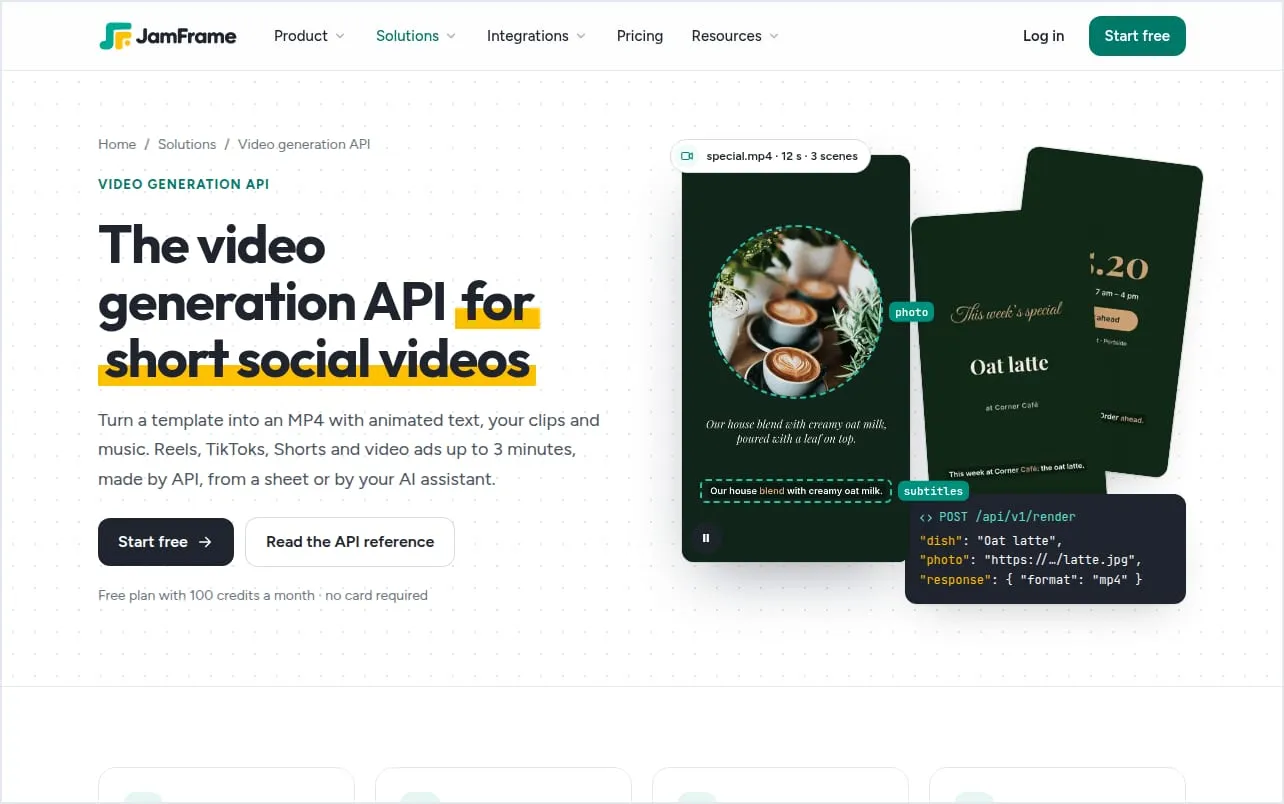
JamFrame makes on-brand images, carousels, PDFs and short videos from templates. You design a video like a carousel, where each page is a scene, and fill it by API, from a Google Sheet, or from a chat with ChatGPT or Claude.
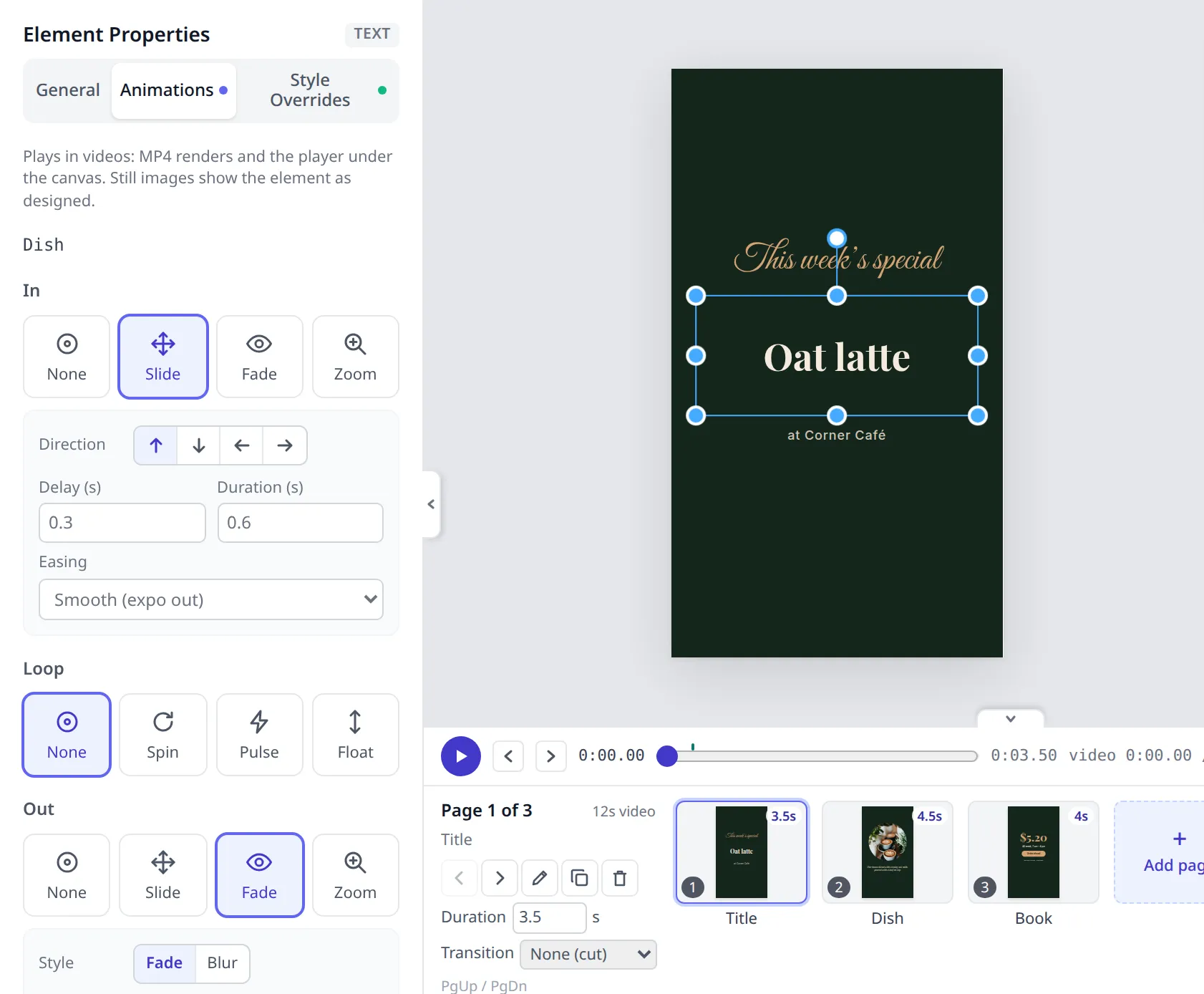
- One credit per second. The Free plan has 100 credits every month, with no watermark. Starter is $39 a month for 2,500 credits, about 41 minutes of video (JamFrame pricing).
- It’s built for social videos. Animations on every layer, transitions between scenes, your clips and a music track, subtitles with word-by-word highlight, and an AI voiceover. Videos come out as MP4 at 30 frames a second.
- Videos are short. Up to 30 seconds on Free, 1 minute on Starter and Plus, and 3 minutes on Professional.
- One template, every format. The same design can make the Reel, its cover image and a LinkedIn PDF, and JamFrame can post them for you.
- Good to know: it isn’t a timeline editor for long footage, and on its smallest plan a minute of video costs more than at Shotstack or JSON2Video. For long videos, they’re the better fit.
There’s more on the video generation API page.
Code it yourself
6. Remotion: videos written in React
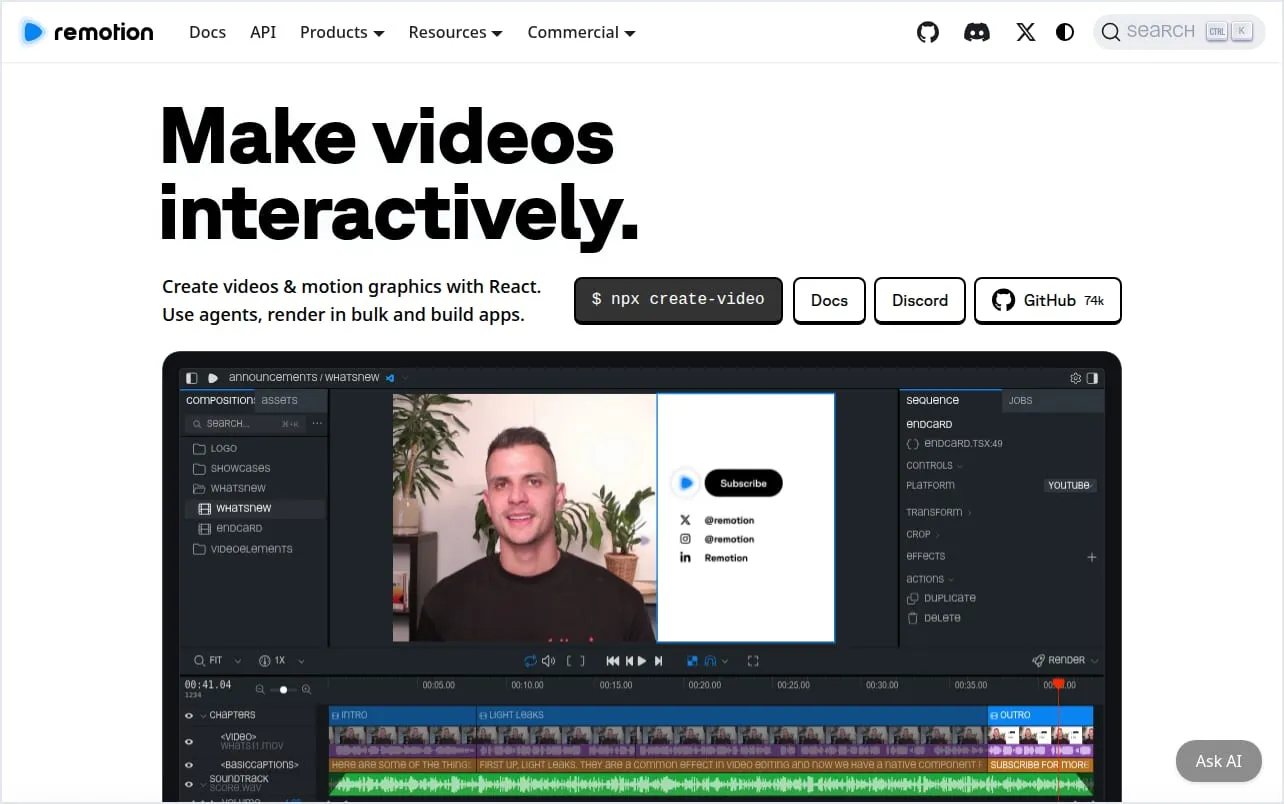
Remotion lets developers make videos with React, the popular JavaScript library for web pages, and render them on their own computers, servers or AWS Lambda (Remotion).
- It’s free for small teams. Individuals and companies of up to 3 people can use it free, for commercial work too. Bigger companies pay $25 a month per seat for manual work, or 1 cent a render, at least $100 a month, for automation.
- You get full control. Anything React and the web can draw, plus a Studio editor and skills for AI coding assistants.
- You run the rendering. There’s no hosted API. Rendering on Lambda runs in your own AWS account, and Remotion says most users render several minutes of video “for a few pennies” (Remotion Lambda).
- Good to know: it needs a developer, and keeping the rendering running is your job.
What a minute of video costs
Every API counts differently, so here’s what one minute of video costs on each starting plan:
| API | A minute of video | Based on |
|---|---|---|
| Shotstack | 15.6 cents | Starter: $39 for 250 minutes. Pay as you go is 20 cents. |
| JSON2Video | About 25 cents | Professional: $49.95 for 200 minutes |
| Creatomate | About 31 cents | Essential at 720p: $45 a month, billed yearly |
| JamFrame | About 94 cents, or 30 on Professional | Starter: $39 for 2,500 seconds |
| Plainly | $1.38 | Starter: $69 for 50 minutes |
| Remotion | 1 cent a render, plus your cloud costs | A company license, at least $100 a month |
For video alone, Shotstack and JSON2Video cost the least. JamFrame’s credits also pay for images and PDFs, so it’s worth it when you need all three from one design.
How to choose
- Long videos, or editing real footage? Shotstack, or JSON2Video if you want voices included.
- Video and images from one editor, by code or no-code? Creatomate.
- Your motion designers work in After Effects? Plainly.
- Short social videos that match your images, carousels and posts? JamFrame.
- A developer who wants full control and no per-minute fee? Remotion.
Where to go next
- See what JamFrame’s video generation API makes, with examples.
- Compare side by side: JamFrame vs Shotstack, JamFrame vs Creatomate and JamFrame vs JSON2Video.
- Making images too? Read image generation API: templates or AI?
Start free with 100 credits a month.
Keep reading
Best PDF generator APIs in 2026: 11 compared
The best PDF generator APIs in 2026: HTML to PDF APIs like PDFShift and DocRaptor, and template APIs like CraftMyPDF and PDFMonkey, with free tiers and prices checked on each site.
AI agentsCan Claude generate images? Yes, with a connector
Can Claude generate images? Not by itself: it draws charts and diagrams with code. Connect a tool like JamFrame, and Claude makes real PNG, JPEG, PDF and MP4 files from your templates.