Social media automation tools: 10 compared (2026)
We compared 10 social media automation tools for 2026, from schedulers like Buffer and Hootsuite to Zapier, n8n and Canva, with prices, free plans and what each one automates.
TL;DR:
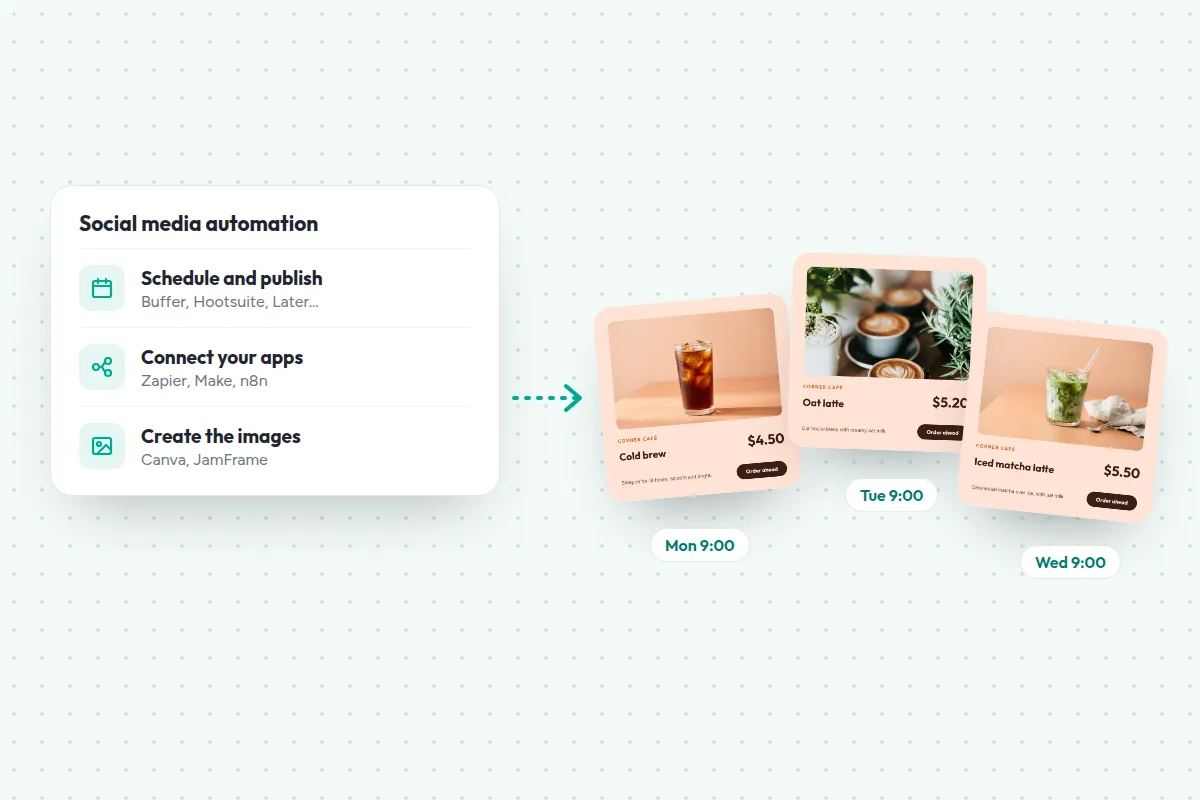
Social media automation tools come in three kinds: schedulers that publish your posts, workflow tools that connect your apps, and design tools that make the images. Most people need one scheduler first, then add the others when a step keeps eating time.
- To start free: Buffer (3 channels) or Metricool (1 brand)
- For larger teams that also want engagement and reports: Sprout Social or Hootsuite
- To connect your apps: Zapier, Make, or n8n if you’d rather host it yourself
- To make the images: Canva by hand, or JamFrame from templates, automatically
Posting every day by hand is a part-time job. You design the image, write the caption, export, upload, and do it again for each network. Social media automation tools take over parts of that job.
But the name covers very different tools. A scheduler publishes posts you’ve already made. A workflow tool moves data between apps. A design tool makes the images. This guide compares the 10 best-known social media automation tools across all three kinds, so you can pick the ones that fit the part of the job that takes you longest. Then it shows how to automate your posts in four steps.
How we compared: we checked every price and feature on each company’s own pages on 18 November 2026. Prices are in US dollars unless noted. They change often, so check before you buy. JamFrame is our product. It’s in the list where it fits, and we say where other tools fit better.
What is social media automation?
Social media automation is using software to do the repeat work of social media for you: making the images, scheduling the posts and publishing them at set times. You still decide what to say. The most common kind is automated social media posting, where a tool publishes the posts you’ve prepared at the times you choose.
The three kinds of social media automation tools
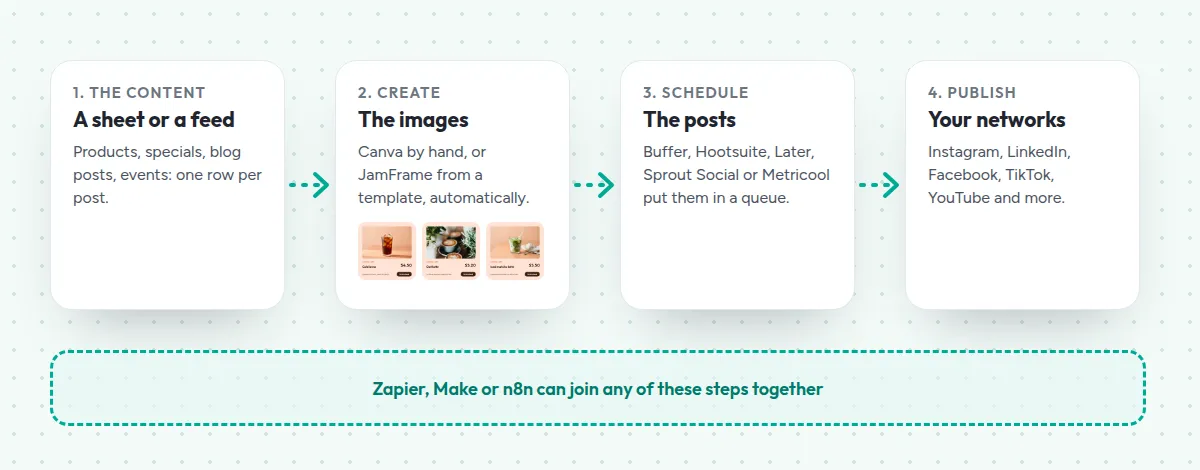
- Schedulers hold your posts in a queue and publish them at set times. Buffer, Hootsuite, Sprout Social, Later and Metricool.
- Workflow tools move data from one app to the next: a new row, a new blog post or a new product becomes a social post. Zapier, Make and n8n.
- Design tools make the images, carousels and videos. Canva and JamFrame.
Social media automation tools compared
| Tool | Kind | Free plan | Paid plans from |
|---|---|---|---|
| Buffer | Scheduler | Yes: 3 channels, 10 posts each | $6 a month per channel |
| Metricool | Scheduler | Yes: 1 brand, 20 posts a month | $25 a month ($20 billed yearly) |
| Later | Scheduler | 14-day trial on its pricing page | $25 a month ($18.75 billed yearly) |
| Hootsuite | Scheduler | No: 14-day trial | $149 per user a month ($99 yearly) |
| Sprout Social | Scheduler | No: 30-day trial | $99 per seat a month ($79 yearly) |
| Zapier | Connects apps | Yes: 100 tasks a month | $29.99 a month ($19.99 yearly) |
| Make | Connects apps | Yes: 1,000 credits a month | $9 a month, billed yearly |
| n8n | Connects apps | Free to host yourself | €24 a month (€20 yearly), cloud |
| Canva | Design, scheduler | Yes, without scheduling | US$18 a month (US$144 a year) |
| JamFrame | Design, posting | Yes: 100 credits a month | $39 a month ($390 a year) |
Schedulers
1. Buffer
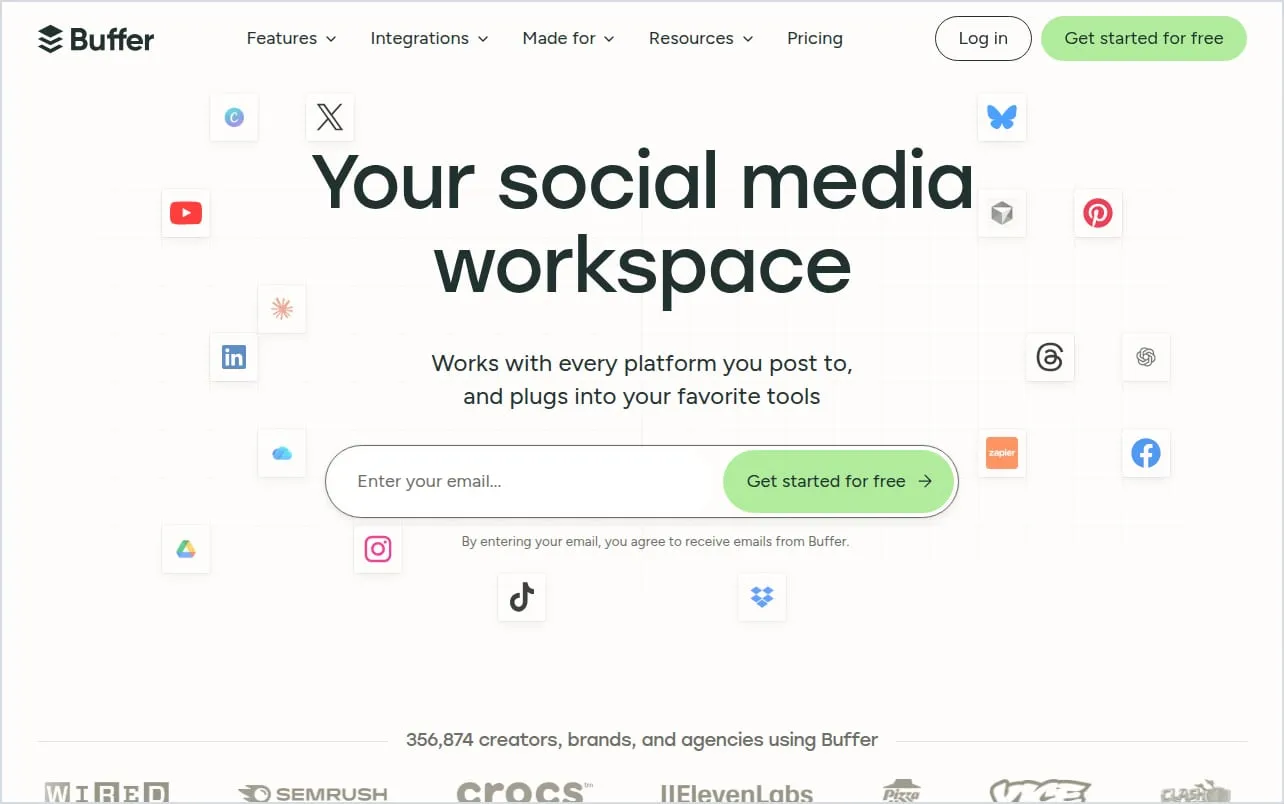
Buffer is “social media management for everyone”: a queue of posts that go out at the times you set. It’s simple, and its free plan is useful on its own.
- Automates: a posting queue with time slots, bulk upload from a CSV file (text and single-image posts), and RSS feeds you can share from. An AI assistant and an API come with every plan.
- Networks: Facebook, Instagram, TikTok, LinkedIn, Threads, Bluesky, YouTube Shorts, Pinterest, Google Business, Mastodon, X and Substack.
- Price: free for 3 channels with 10 scheduled posts each. Essentials is $6 a month per channel, or $5 billed yearly (Buffer pricing).
- Good to know: you pay per channel, so the cost grows with each account, and Essentials has one user.
2. Metricool
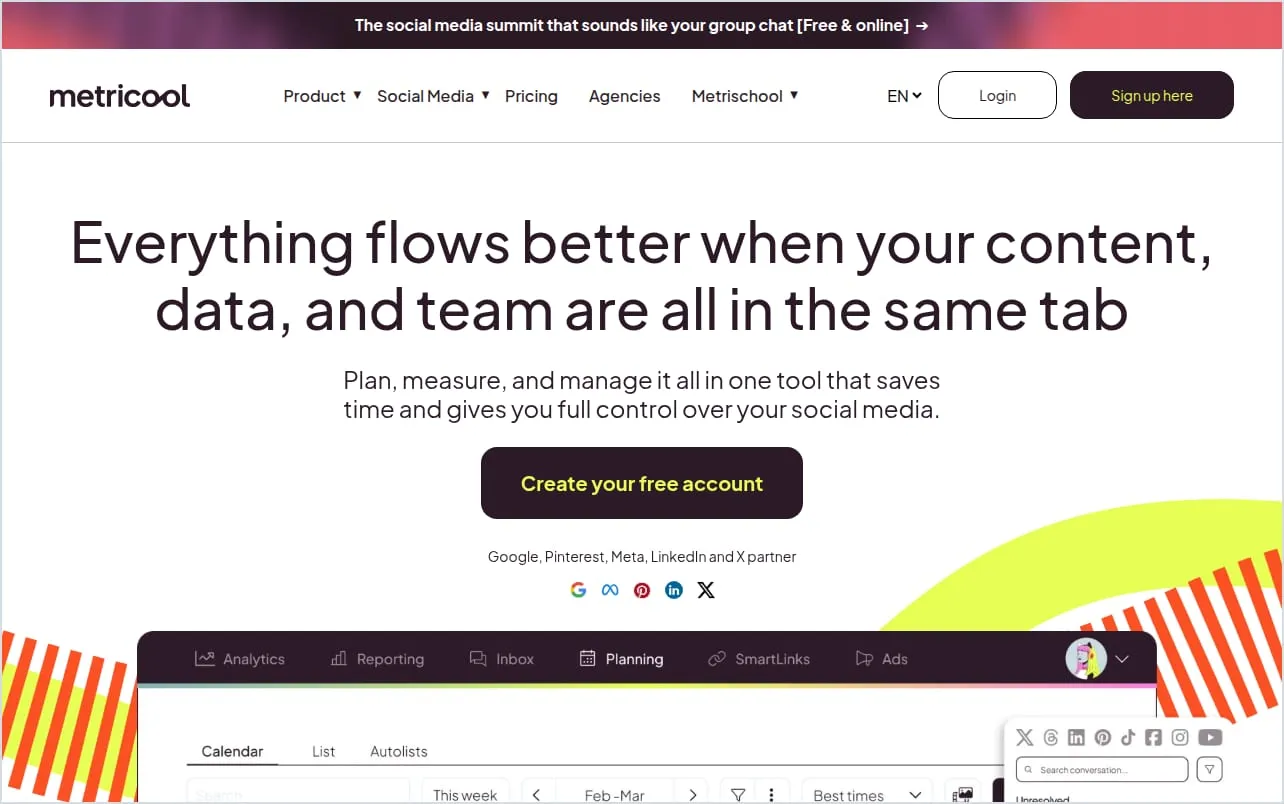
Metricool puts scheduling, analytics and ads reports in one tool, with a low price for several brands.
- Automates: bulk scheduling from a CSV file, RSS feeds, best times to post, and Autolists that repeat evergreen posts on a schedule.
- Networks: Instagram, TikTok, Facebook, LinkedIn, X, Bluesky, YouTube, Threads, Pinterest and Google Business Profile.
- Price: free for 1 brand and 20 posts a month, without LinkedIn or X. Starter is $25 a month for up to 5 brands, or $20 billed yearly (Metricool pricing).
- Good to know: X is a paid add-on, and the API and Zapier or Make connections start on the Advanced plan.
3. Later
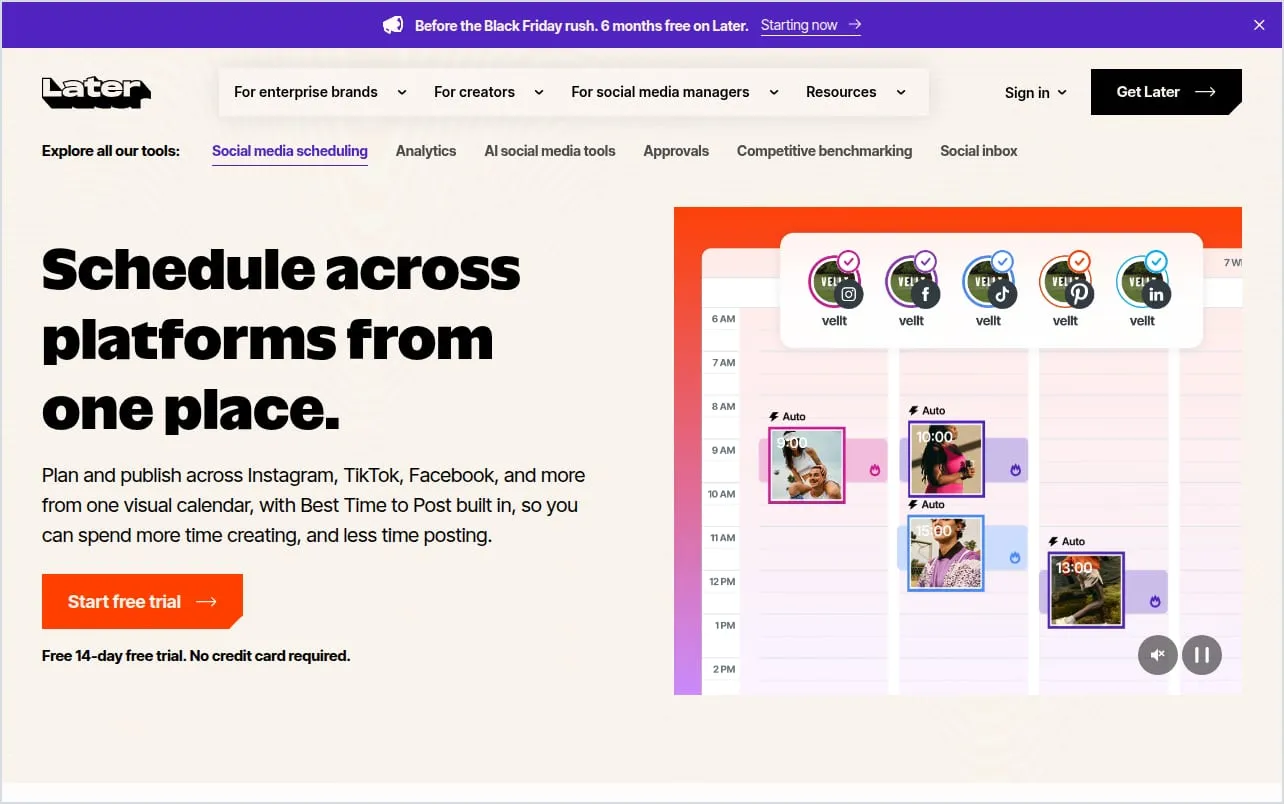
Later is a visual planner for Instagram, TikTok and Pinterest. You drag your media onto a calendar and it fills your time slots.
- Automates: a weekly queue of time slots (Quick Schedule) and AI captions.
- Networks: Instagram, Facebook, Pinterest, TikTok, LinkedIn, Threads, YouTube Shorts and Snapchat.
- Price: Starter is $25 a month, or $18.75 billed yearly, for 8 profiles and 30 posts per profile a month (Later pricing). Its pricing page offers a 14-day trial. Its help center also describes a small Free plan.
- Good to know: Later dropped X in August 2025, and it doesn’t support Bluesky, RSS feeds or Zapier.
4. Hootsuite
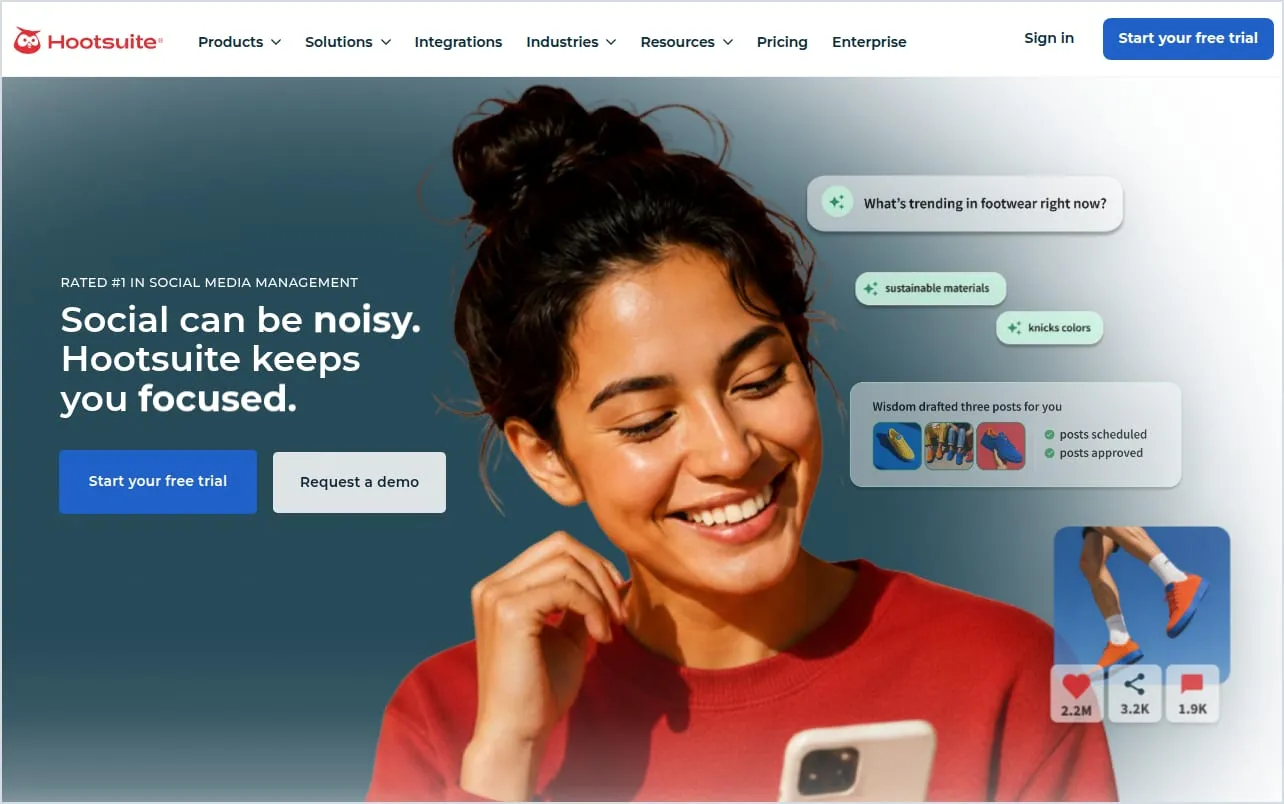
Hootsuite is a full social media suite: scheduling, an inbox for replies, analytics and social listening, now with an AI agent.
- Automates: bulk scheduling of up to 350 posts at once, posting at your best times, RSS feeds through an app, and AI-written posts.
- Networks: Facebook, Instagram, X, LinkedIn, TikTok, YouTube, Threads, Pinterest and Bluesky.
- Price: no free plan. Standard is $99 per user a month billed yearly, or $149 monthly, for up to 10 accounts (Hootsuite plans).
- Good to know: you pay per user, and bulk scheduling isn’t available during the free trial.
5. Sprout Social
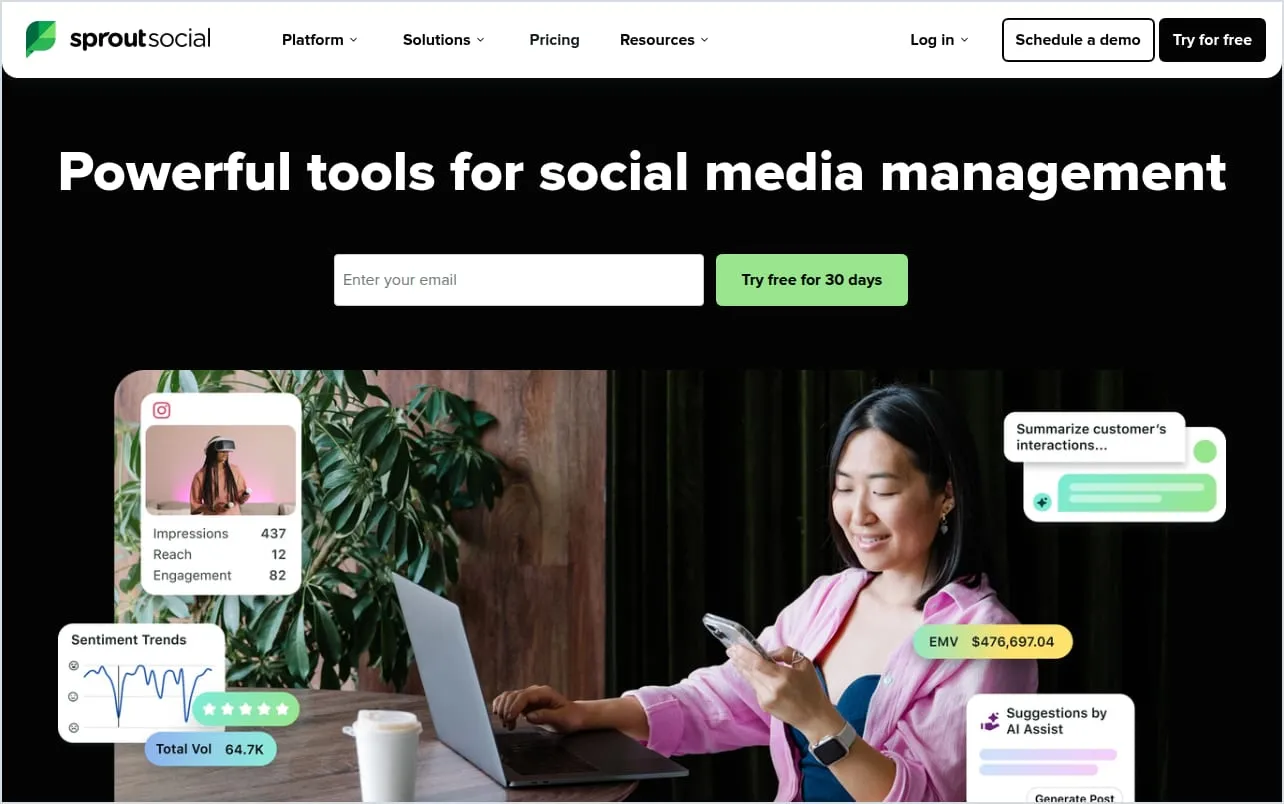
Sprout Social is built for larger teams: publishing, engagement, analytics and influencer marketing in one place.
- Automates: a posting queue that sends at the best times, plus RSS feed publishing and bulk scheduling on its Professional plan. The API is on Advanced.
- Networks: Facebook, Instagram, X, LinkedIn, TikTok, YouTube, Threads, Pinterest, Bluesky, Reddit and Snapchat.
- Price: no free plan. Essentials is $79 per seat a month billed yearly, or $99 monthly, for 5 profiles. Professional, with RSS and bulk scheduling, is $299 per seat (Sprout Social pricing).
- Good to know: strong for teams, but the automation features sit on the higher plans.
Tools that connect your apps
6. Zapier
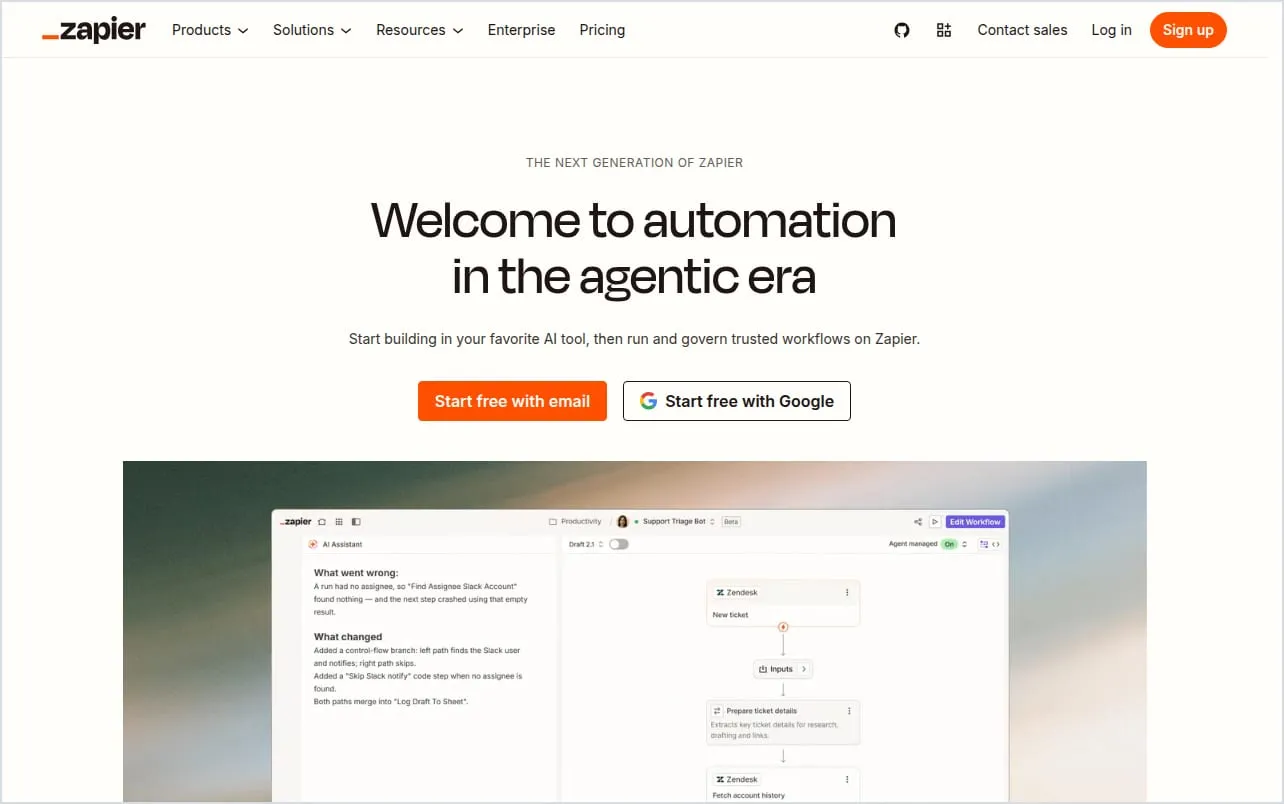
Zapier connects more than 9,000 apps. A Zap watches for something, like a new row in a sheet, and then does something, like posting it.
- Automates: new feed items to Pinterest pins, approved sheet rows to a Buffer queue, approved images to a Facebook Page, and so on.
- Networks: its own apps post to Facebook Pages, Instagram (Business accounts only), LinkedIn, Pinterest, YouTube and Bluesky. It has no X app of its own today.
- Price: free for 100 tasks a month and two-step Zaps. Professional is $29.99 a month, or $19.99 billed yearly, for 750 tasks (Zapier pricing).
- Good to know: every step of a Zap uses tasks, so busy workflows need a bigger plan.
7. Make
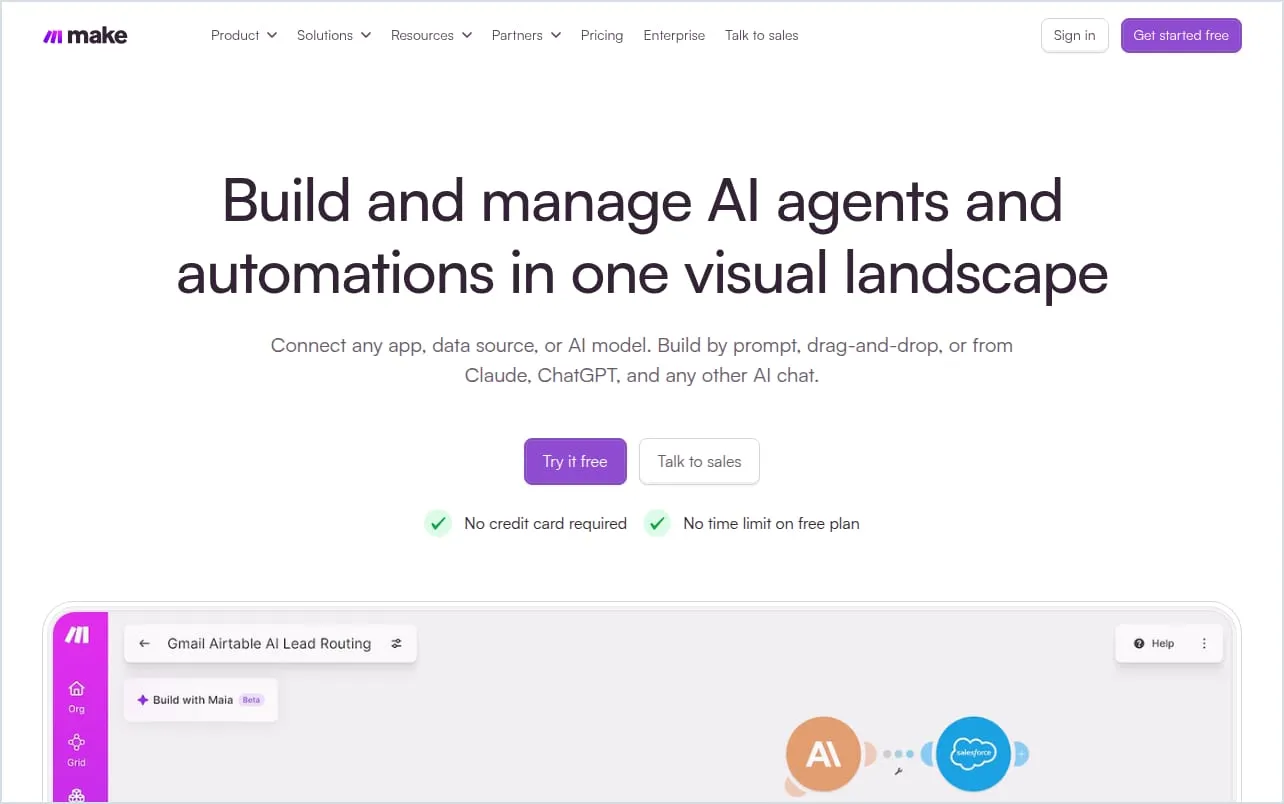
Make is an automation platform where you build scenarios: chains of steps that move data from one app to the next.
- Automates: the same kinds of jobs as Zapier: a new row, blog post or product becomes a social post.
- Networks: its own apps post to Facebook Pages, Instagram (Business accounts), LinkedIn, Pinterest, YouTube and Bluesky. Make removed its X app in 2025.
- Price: free for 1,000 credits a month. Its cheapest paid plan is $9 a month for 10,000 credits, billed yearly (Make).
- Good to know: every module that runs uses credits, and extra credits cost 25% more.
8. n8n
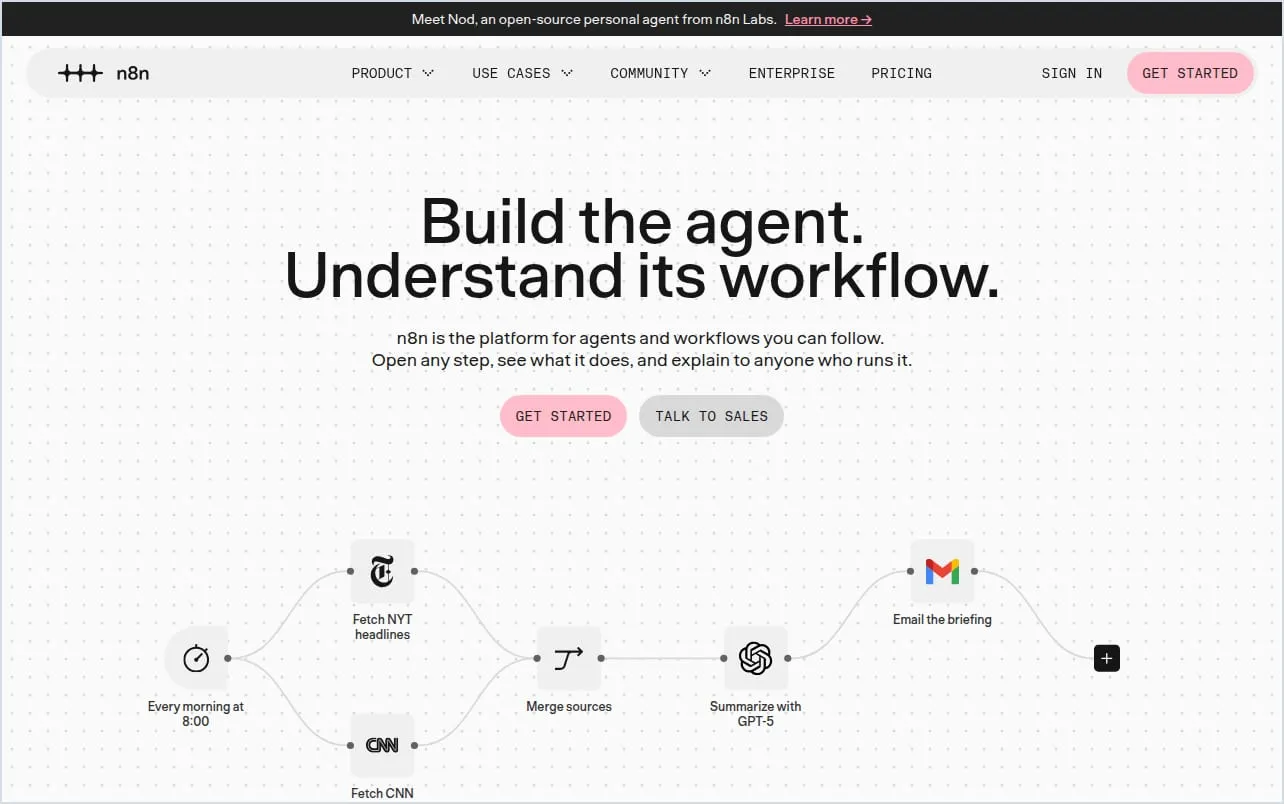
n8n is a workflow tool you can host yourself for free, or use in n8n’s cloud.
- Automates: anything you can build as a workflow, including AI steps. Its template gallery has hundreds of social media workflows.
- Networks: built-in nodes post to LinkedIn, X (with your own X developer account) and YouTube. Other networks need HTTP requests or community nodes.
- Price: the self-hosted Community Edition is free. n8n Cloud starts at €20 a month billed yearly, or €24 monthly, for 2,500 executions (n8n pricing).
- Good to know: self-hosting means running a server. The cloud has a 14-day trial, but no free plan.
Tools that make the images
9. Canva
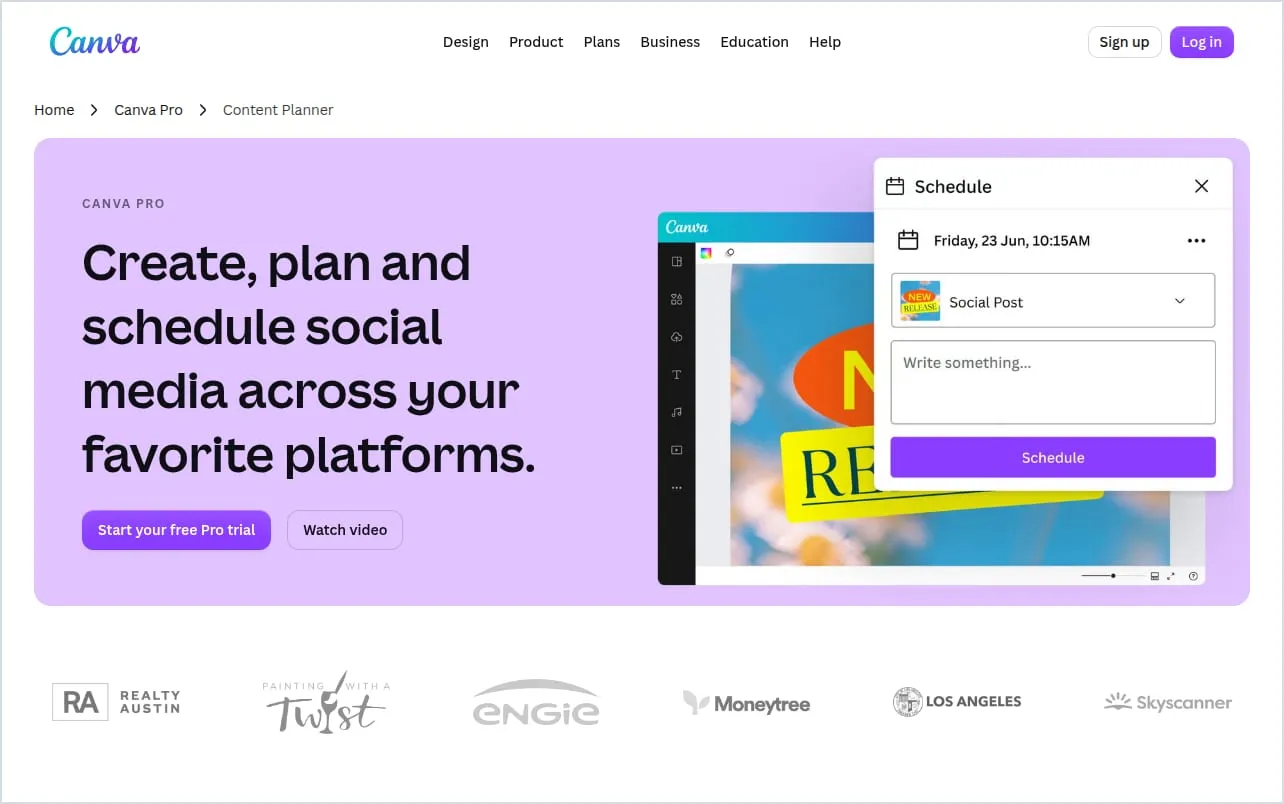
Canva is the design tool most social teams already use. Its paid plans add a Content Planner that schedules designs.
- Automates: Bulk Create fills one design with a table of data, by hand each time. See our guide to Canva Bulk Create.
- Networks: the Content Planner schedules to Facebook Pages, Instagram Business accounts, X, LinkedIn, Pinterest, Slack and Tumblr (Canva Help Center).
- Price: free to design. Pro is US$144 a year for one person (Canva pricing). Scheduling needs a paid plan.
- Good to know: each design can be scheduled to one network at a time, and the planner doesn’t list TikTok, YouTube or Threads.
10. JamFrame
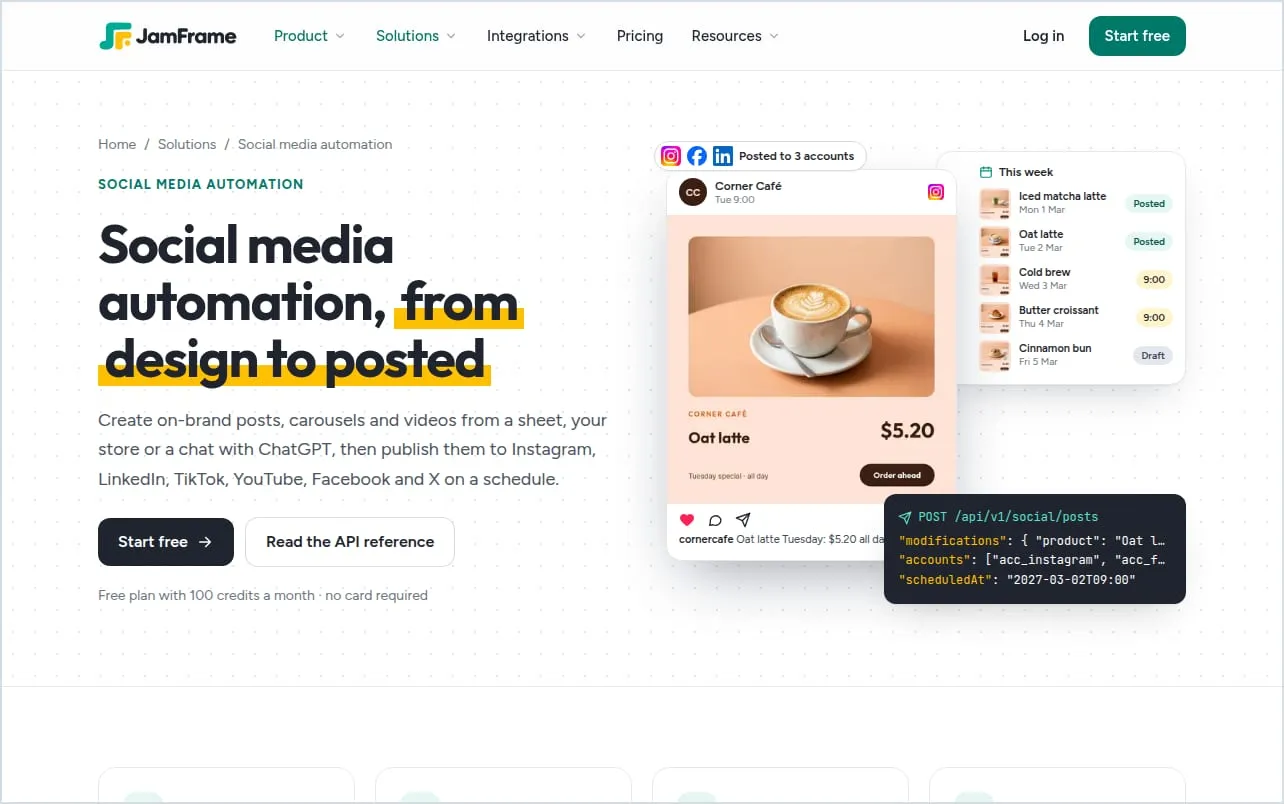
JamFrame makes images, carousels, PDFs and short videos from your own templates, then posts them. It automates the part schedulers leave to you: making a new image for every post.
- Automates: workflows that turn each row of a Google Sheet, a CSV file or Airtable into a finished post, on a schedule or when rows change. Also an API, an n8n node, and a connector so ChatGPT and Claude can make and post designs.
- Networks: posts directly to LinkedIn and Bluesky, and to Instagram, Facebook, X, TikTok, YouTube, Pinterest and Threads through Buffer.
- Price: free for 100 render credits a month, 1 workflow and 1 social account. Paid plans start at $39 a month (JamFrame pricing).
- Good to know: it isn’t a full scheduler. It has no inbox for replies, and most networks go through Buffer for now. Many people use the two together.
How to choose
- You make each post by hand and want it scheduled. Start with Buffer’s or Metricool’s free plan.
- A larger team needs engagement, reports and several users. Look at Sprout Social or Hootsuite, and budget per user.
- Your posts start in another app, like a blog, a store or a sheet. Add Zapier, Make or n8n, or use a scheduler’s RSS feeds.
- Making the images is the slow part. Use Canva Bulk Create for a batch now and then, or JamFrame to make them from your data on their own.
How to automate social media posts in 4 steps
Most setups mix two kinds of tools: one makes the posts, the other publishes them. Here’s how a café automates its weekly specials, from a sheet to a post every weekday.
- Pick the step that takes you longest. Automate that one first. If writing captions takes an hour and designing takes five minutes, a design tool won’t save you much.
- Keep the posts in one place. The café writes one row per special in a Google Sheet: the headline, the price, the photo and a status column. Only rows marked Ready get posted.
- Make the images from a template. The café’s post design is a JamFrame template. A workflow checks the sheet and turns each new row marked Ready into a post in that design. Each image uses one render credit, so five posts a week comes to about 22 credits a month.
- Schedule and publish. The workflow sends each post to Buffer, and Buffer publishes one at 9:00 every weekday. JamFrame can also post directly to LinkedIn and Bluesky. Nobody opens a design tool during the week.
Tip: Check one post before anything goes live. In the workflow’s delivery step, set When to Save as drafts to review in Posts, then click Test with 1 row.
Every step of that café setup is in our guide to automating Instagram posts from a Google Sheet. For more ways to automate posting with JamFrame, see social media automation, or try the free Instagram carousel maker.
Common questions
What is the best tool to automate social media?
It depends on the step you want to automate. To schedule posts you’ve already made, Buffer and Metricool have useful free plans. To connect your apps, use Zapier, Make or n8n. If making a new image for every post is the slow part, a template tool like JamFrame does that step.
Can you automate social media for free?
Yes, for a small account. Buffer’s free plan schedules 10 posts each on 3 channels, and Metricool’s has 20 posts a month for 1 brand. Zapier and Make have free plans for simple workflows, and n8n is free if you host it yourself. JamFrame’s Free plan has 100 render credits a month, 1 workflow and 1 social account: enough for a post every weekday.
Can AI automate social media?
AI can do parts of it. Buffer’s AI assistant and Hootsuite’s AI agent write posts, and AI designers can draft the images. In JamFrame, you describe a design and the AI builds a template in your brand’s colors and fonts. A new design costs 15 to 30 AI credits, and the Free plan gives you 50 once. You can also ask ChatGPT or Claude to fill in a template and post it. Check each post before it goes out, though: AI can get facts and prices wrong.
Start free with 100 credits a month.
Keep reading
Best video editing APIs in 2026: 6 compared
The best video editing APIs in 2026: Shotstack, JSON2Video, Creatomate, Plainly, Remotion and JamFrame, with free plans, what a minute of video costs and what each is best for.
APIBest PDF generator APIs in 2026: 11 compared
The best PDF generator APIs in 2026: HTML to PDF APIs like PDFShift and DocRaptor, and template APIs like CraftMyPDF and PDFMonkey, with free tiers and prices checked on each site.